
Dominik
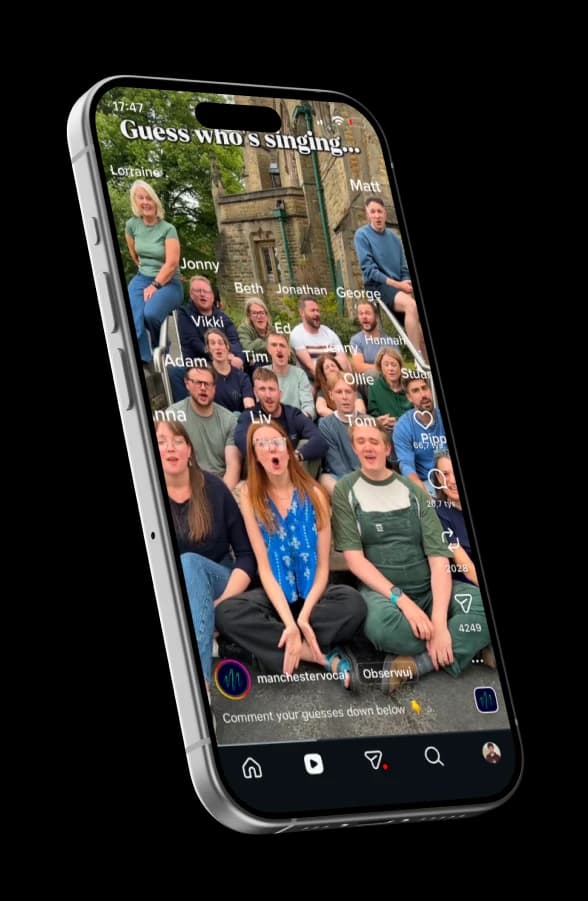
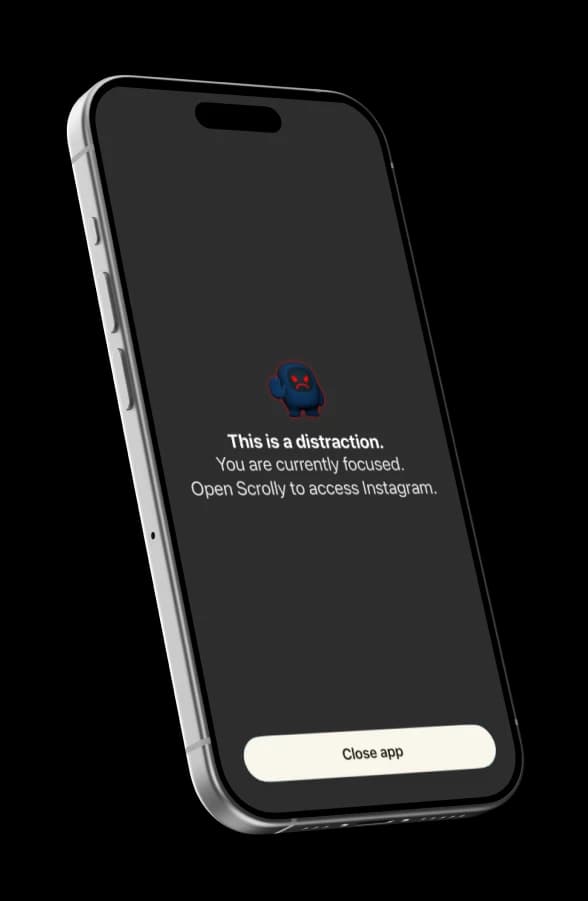
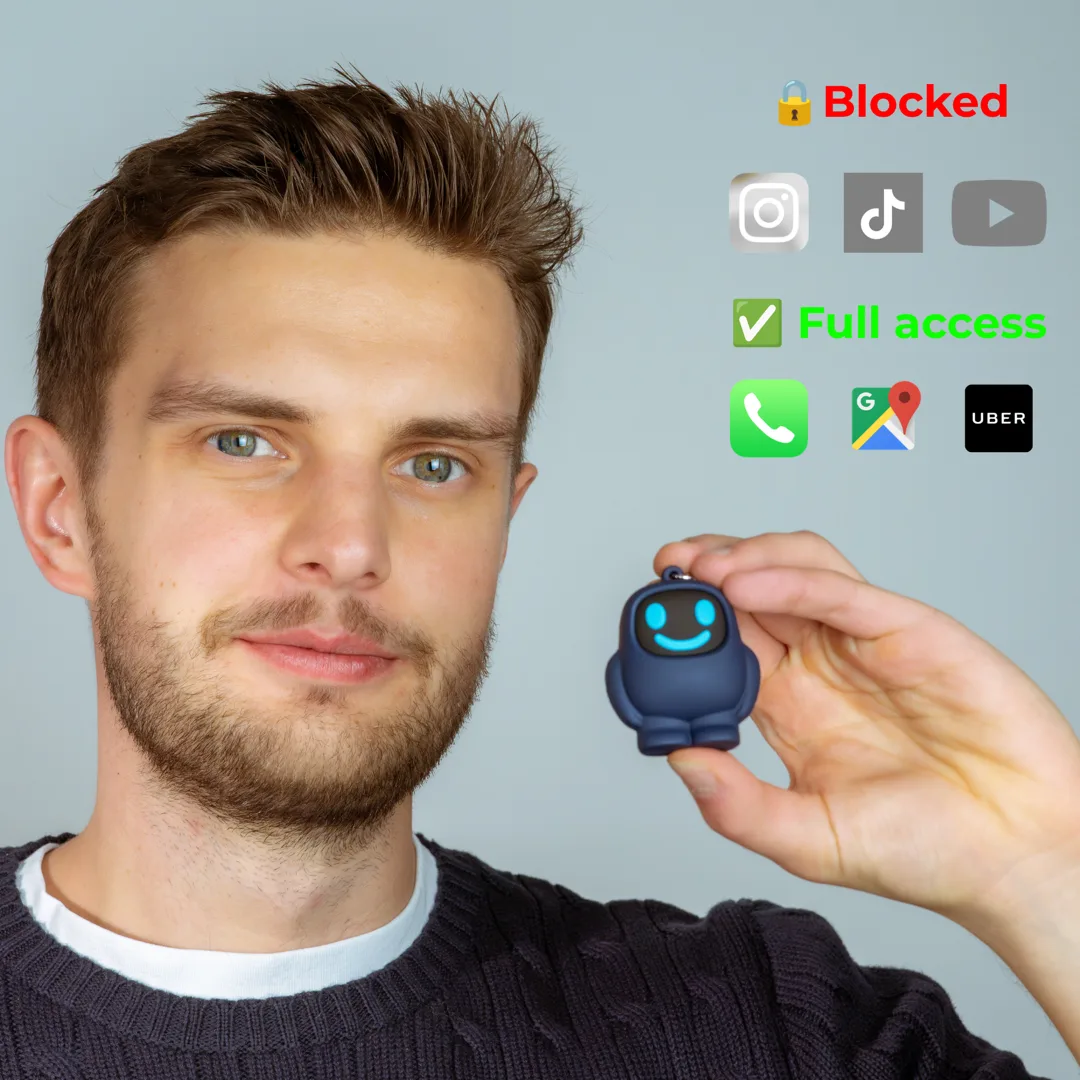
“When going out with friends”
- 1Block distracting apps
- 2Leave Scrolly at home
- 3When I am with friends I still have access to useful apps such as Uber or Google Maps, but I do not get distracted by notifications, IG or TikTok
Your cart is empty


4.6 stars|800+ reviews|15k+ members
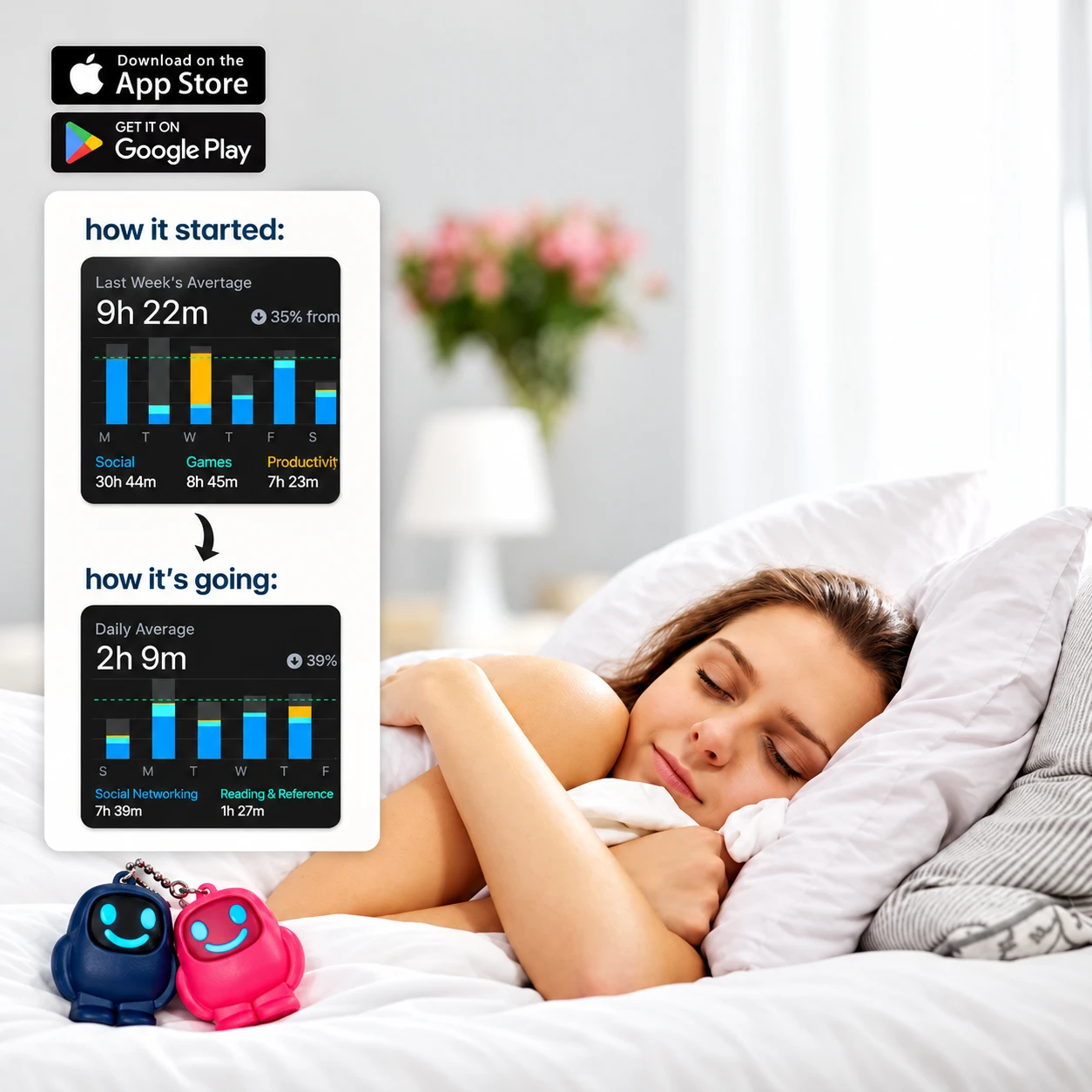
Scrolly for Sleep
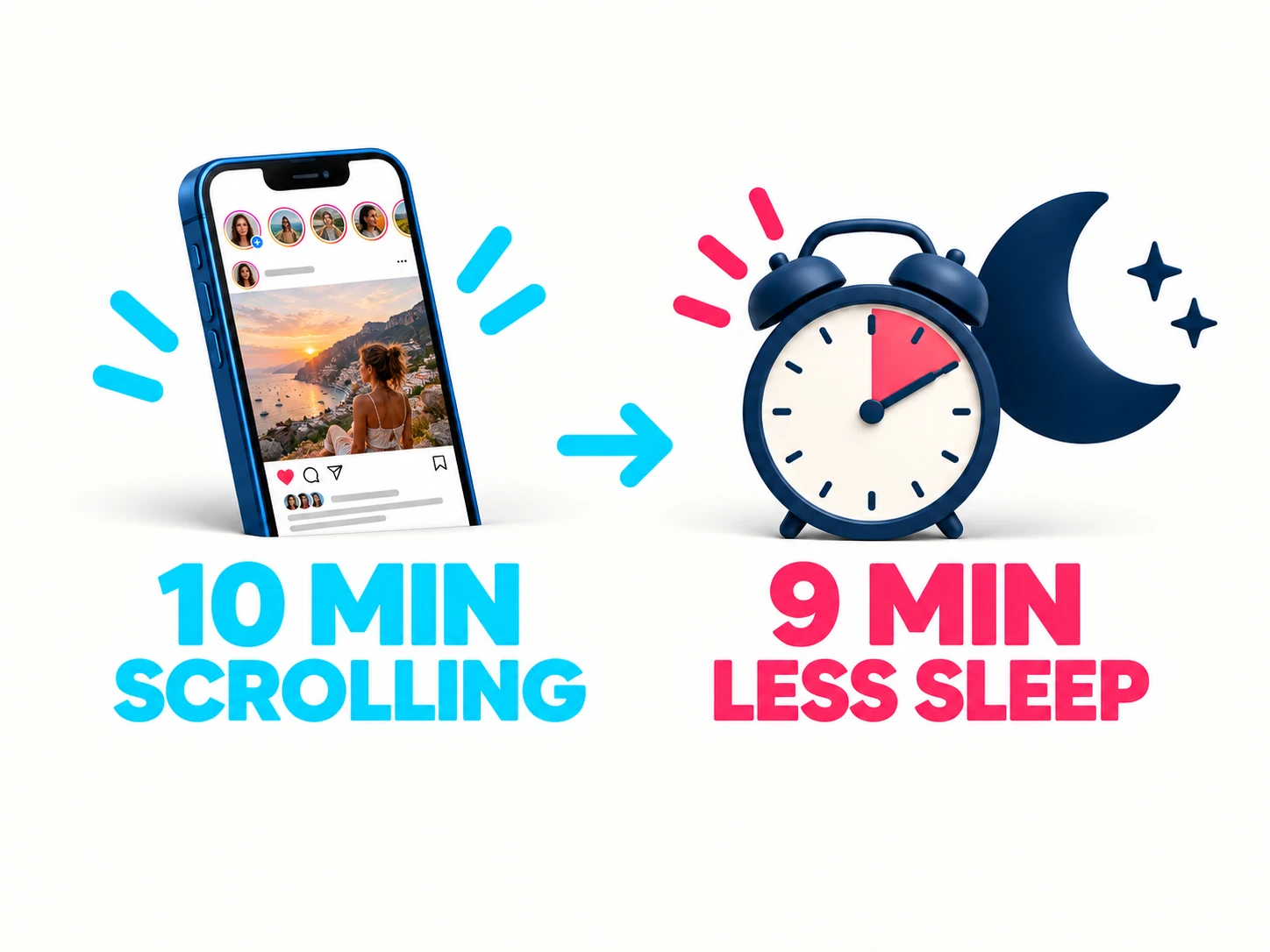
10 min scrolling → cortisol up → sleep down
The bedtime trade-off.
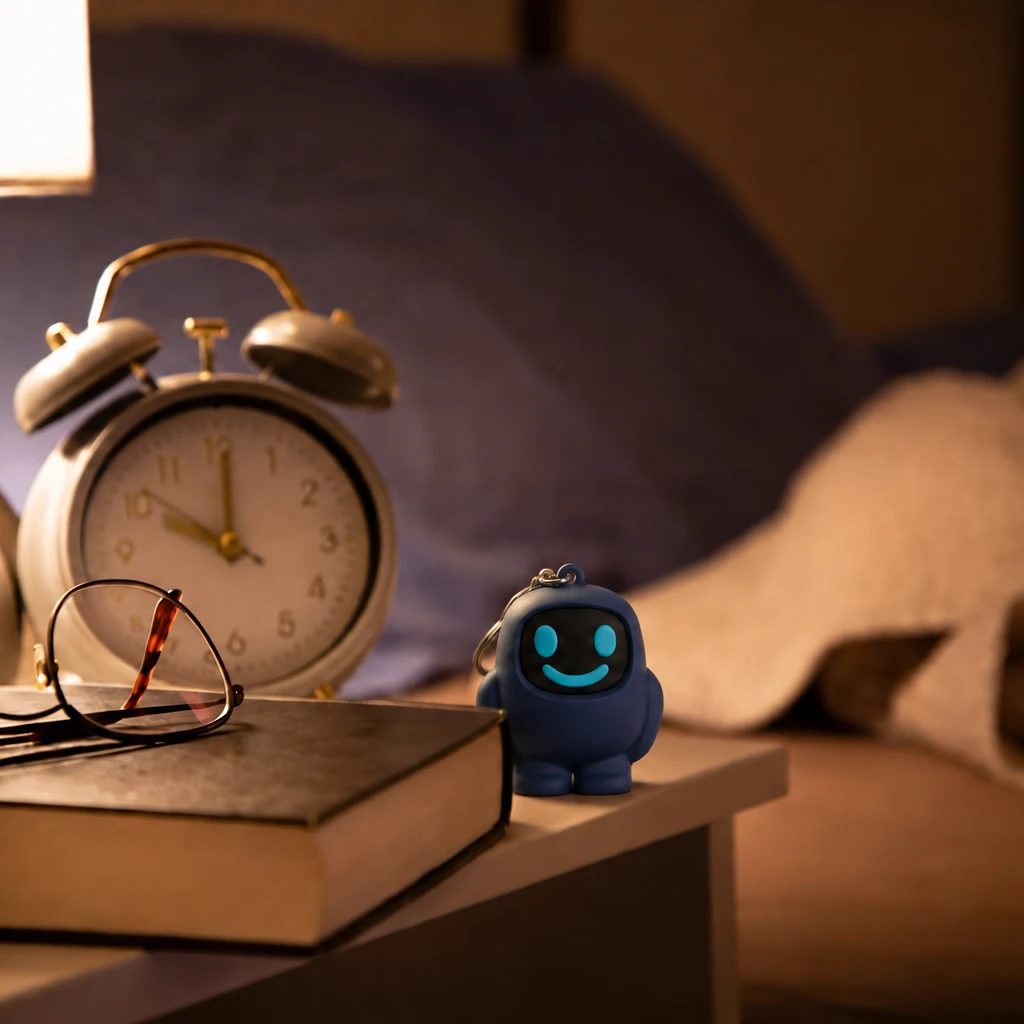
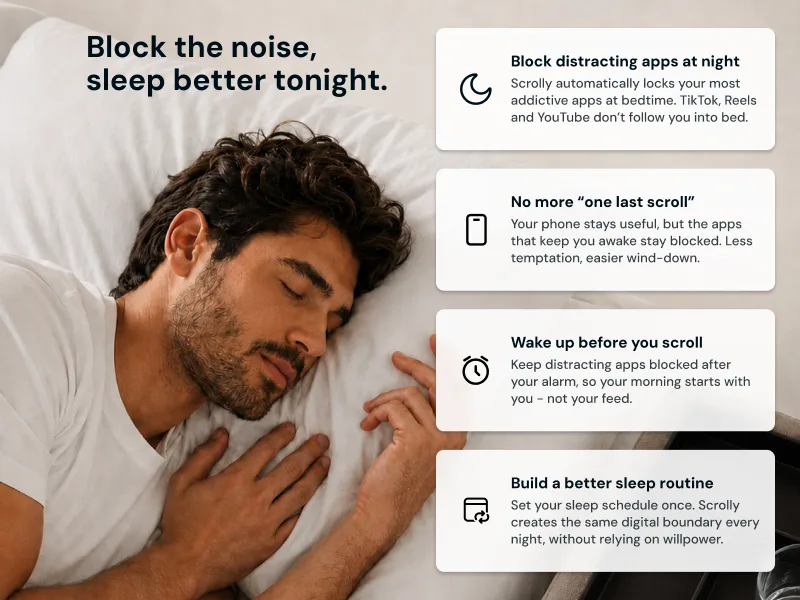
Scrolly puts a physical boundary between you and the apps that keep you awake.
 Try It Risk-Free For 90 Days
01
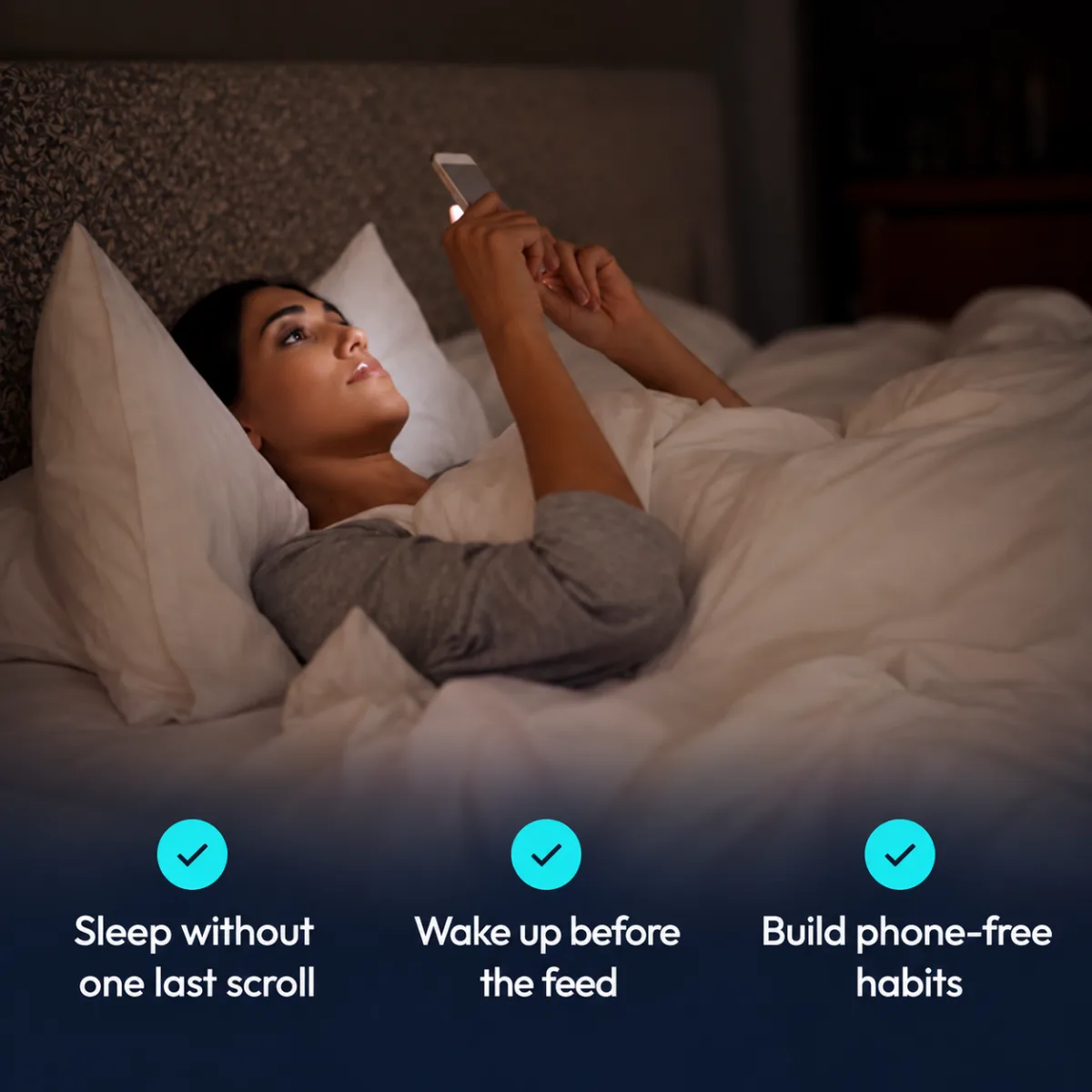
One more video. One more reply. One more look at the news. The next thing is always ready, especially when you are already tired.
Research has linked heavier smartphone use with over 2× the odds of poor sleep quality. Scrolly creates a physical blockade before the algorithm gets you.
02
Sleep specialists often recommend switching off electronic devices at least 30 minutes before bed. Make room for something quieter instead: a book, a shower, a stretch, or one good moment you want to remember.
It gives your mind a chance to arrive at bedtime with something gentler than comparison, breaking news, or somebody else’s argument. The goal is not a strict, complicated routine but fewer impulses and less negativity in your final minutes before sleep.
03
Sleep supports learning, memory, attention, and clear thinking. It is not only rest for the body; it gives the mind time to slow down, recharge, and prepare for the next day.
Most adults need at least 7 hours of sleep. Scrolly cannot recharge your brain for you, but it can help remove the noise and negative inputs that keep it switched on.
04
‘I need it for the alarm’ is one of the most common reasons people keep their phone by the bed. The problem is not the alarm. It is everything that comes with it: notifications, work messages, feeds, and apps designed to keep you checking.
Set your bedtime block, keep your alarm set, then put Scrolly outside the room if you can. Your phone can stay close without staying in charge.
05
Habits are easier to repeat when they are simple and attached to something you already do. Especially at the beginning, you do not need a long checklist or a perfect evening. You need one small action that has real value.
Put Scrolly next to your toothbrush. Brush your teeth, tap Scrolly, put your phone away. That is it. Over time, one small boundary can become the beginning of a routine that feels natural.
06
After a long day, scrolling can feel like a break. Often, it is a tired mind looking for distraction, reassurance, or one more thing to focus on. The feed gives you endless input, but very little chance to settle.
Scrolly does not make stress disappear. It stops the app that turns five tired minutes into another hour of headlines, comparison, and noise. A real wind-down starts when nothing new is demanding your attention.
07
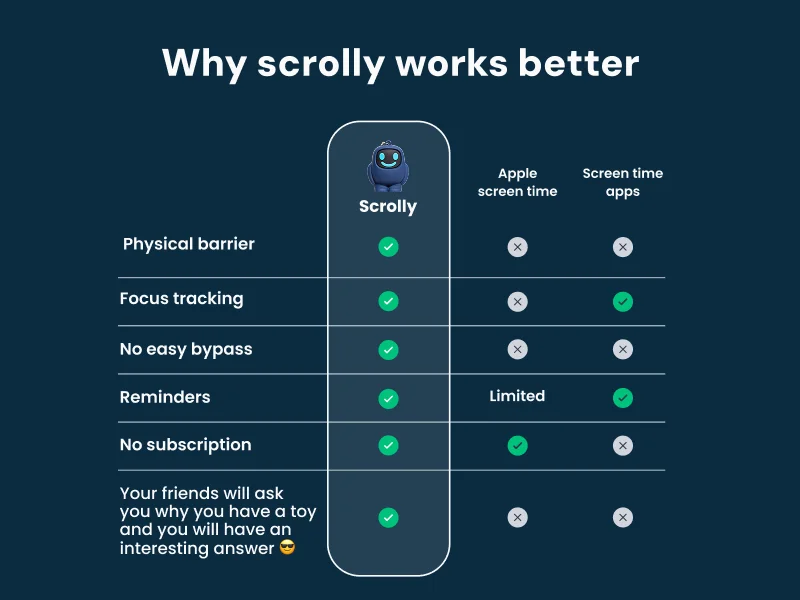
Most app limits still leave the decision to midnight-you: tap ‘ignore’ and keep scrolling. That is exactly when willpower is at its lowest.
Scrolly adds a physical step. To keep scrolling, you need to get the device again. That small pause can be enough to end the loop.

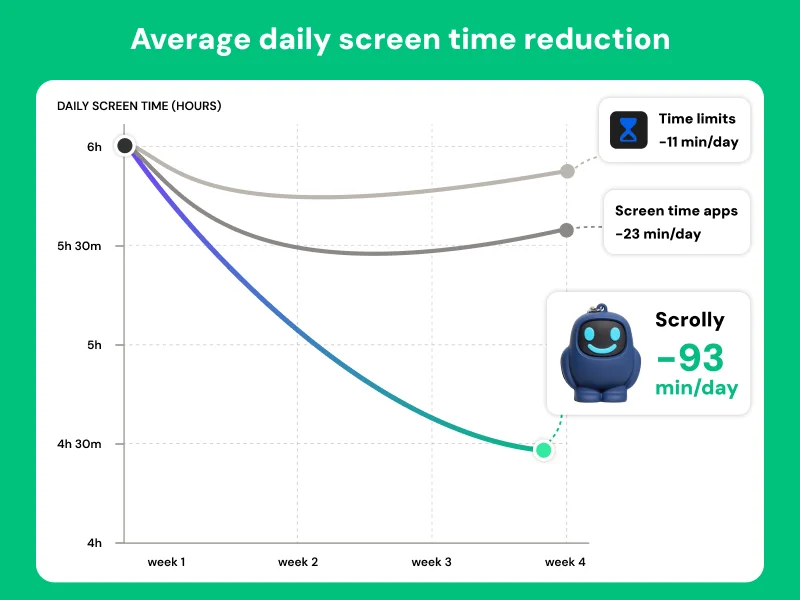
93min
screen time reduced daily
58%
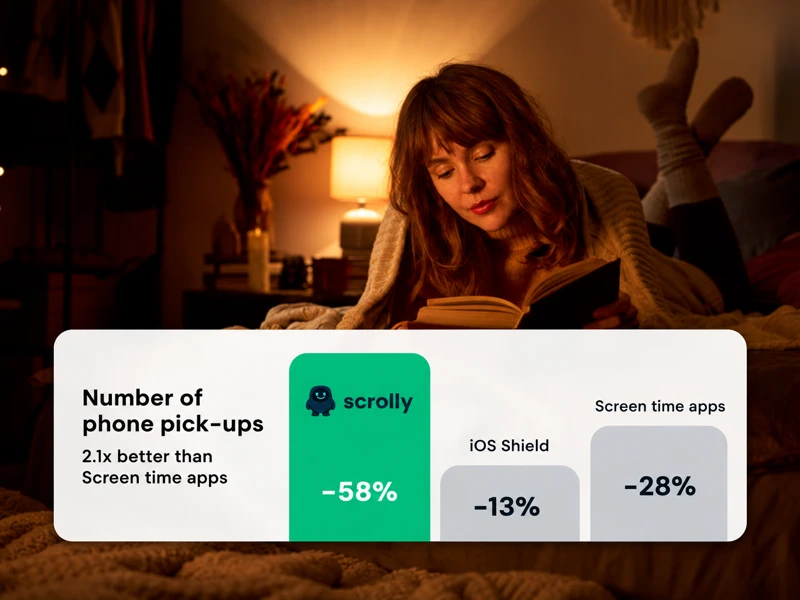
reduction in daily phone pickups
81%
use Scrolly more than 3 times a week
100+
years collectively saved by Scrolly users
*Independent study based on voluntarily shared screen-time data from 2,208 users, and an A/B test conducted by a psychologist on a sample of 60 ADHD patients.
Three steps between you and a distraction-free life.
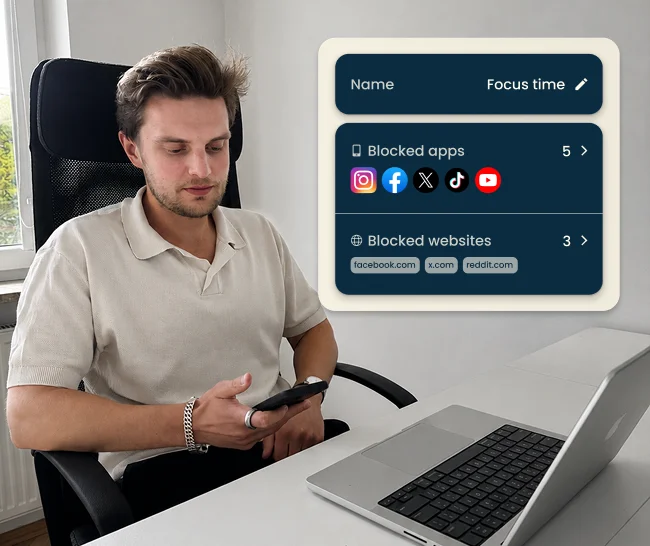
1. Select apps to block
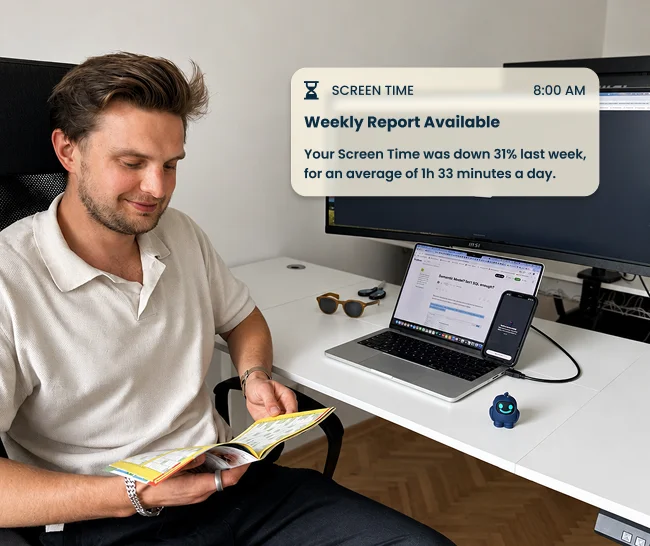
Open the Scrolly app and select the applications that steal your time.
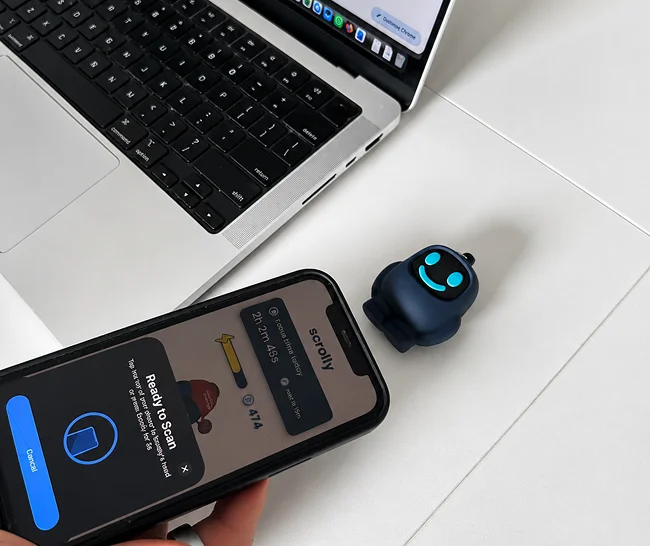
2. Tap to block distractions
Physically tap your Scrolly to your phone to enter Focus Mode - all distracting apps will be blocked.
3. Enjoy the focus time
Put your Scrolly out of reach and enjoy being present and focused.
Two owners, two habits. Here is what an ordinary day with Scrolly looks like for each of them.
“When going out with friends”
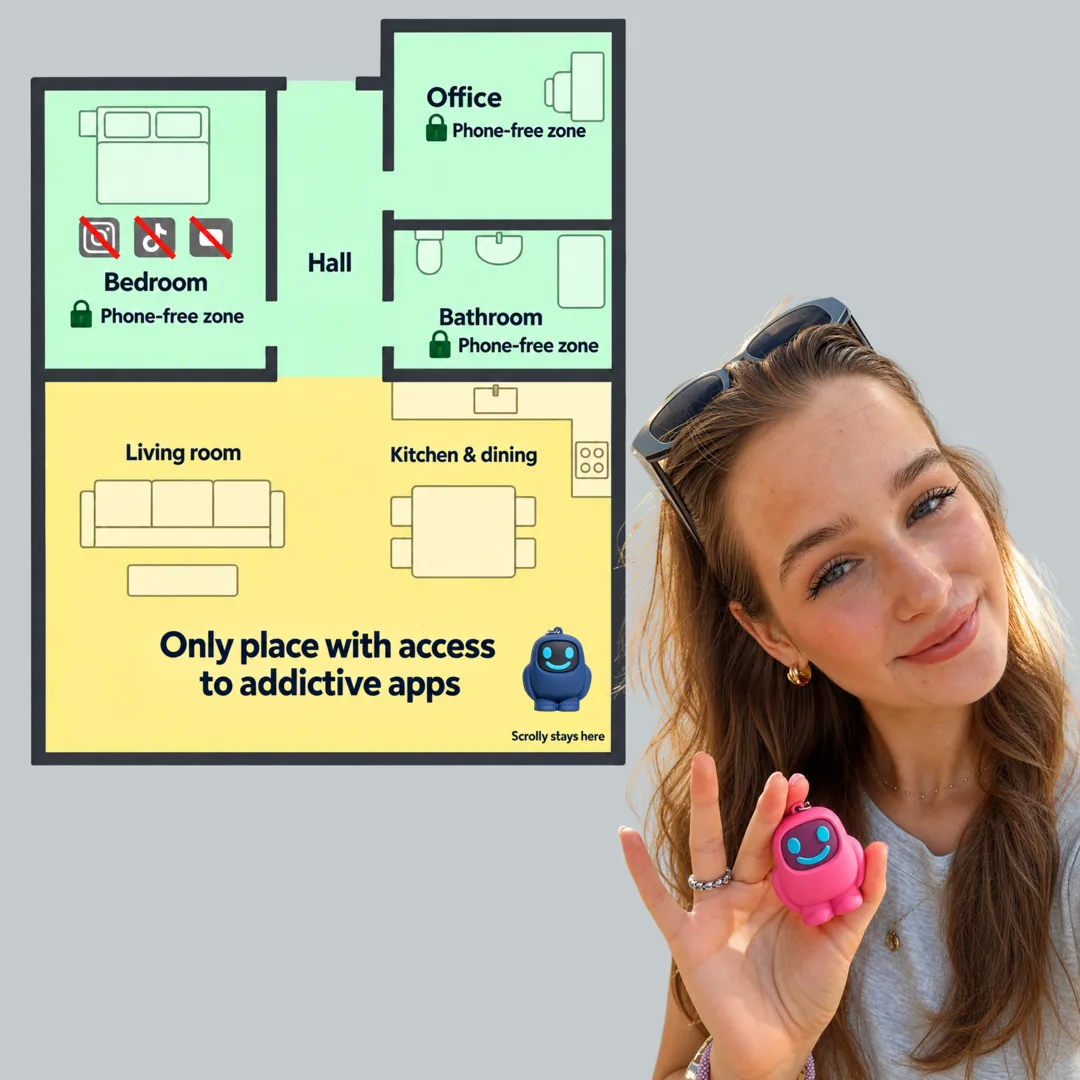
“To improve sleep and productivity”


 15 000+ satisfied users
+ Free lifetime app access
1. Choose color
2. Choose Bundle
 One for work and one for home


 15 000+ satisfied users
Join thousands of users who are focusing better, scrolling less, and building consistent habits with Scrolly.
"I feel like my brain is so clear now"
Derek
"I actually get my work done."
Kacey
"Instead of automatically scrolling you have a decision to make."
Laurissa
"I've been able to do twice as much thanks to this little guy."
Lauren
"I found out that I could not put my phone down"
Ashley
"I found Scrolly for my kids and we… are obsessed."
Morgan
"This helped me become more social"
Gavin
"I feel like my brain is so clear now"
Derek
"I actually get my work done."
Kacey
"Instead of automatically scrolling you have a decision to make."
Laurissa
"I've been able to do twice as much thanks to this little guy."
Lauren
"I found out that I could not put my phone down"
Ashley
"I found Scrolly for my kids and we… are obsessed."
Morgan
"This helped me become more social"
Gavin
"I feel like my brain is so clear now"
Derek
"I actually get my work done."
Kacey
"Instead of automatically scrolling you have a decision to make."
Laurissa
"I've been able to do twice as much thanks to this little guy."
Lauren
"I found out that I could not put my phone down"
Ashley
"I found Scrolly for my kids and we… are obsessed."
Morgan
"This helped me become more social"
Gavin