




4.6 stars|800+ reviews|15k+ members
6 reasons to reduce your child’s screen time.
Sleep. Play. A conversation that lasts. Here’s what a little less scrolling can make space for, and a simple way to start.
01
“One more video” can wait. Sleep can’t.
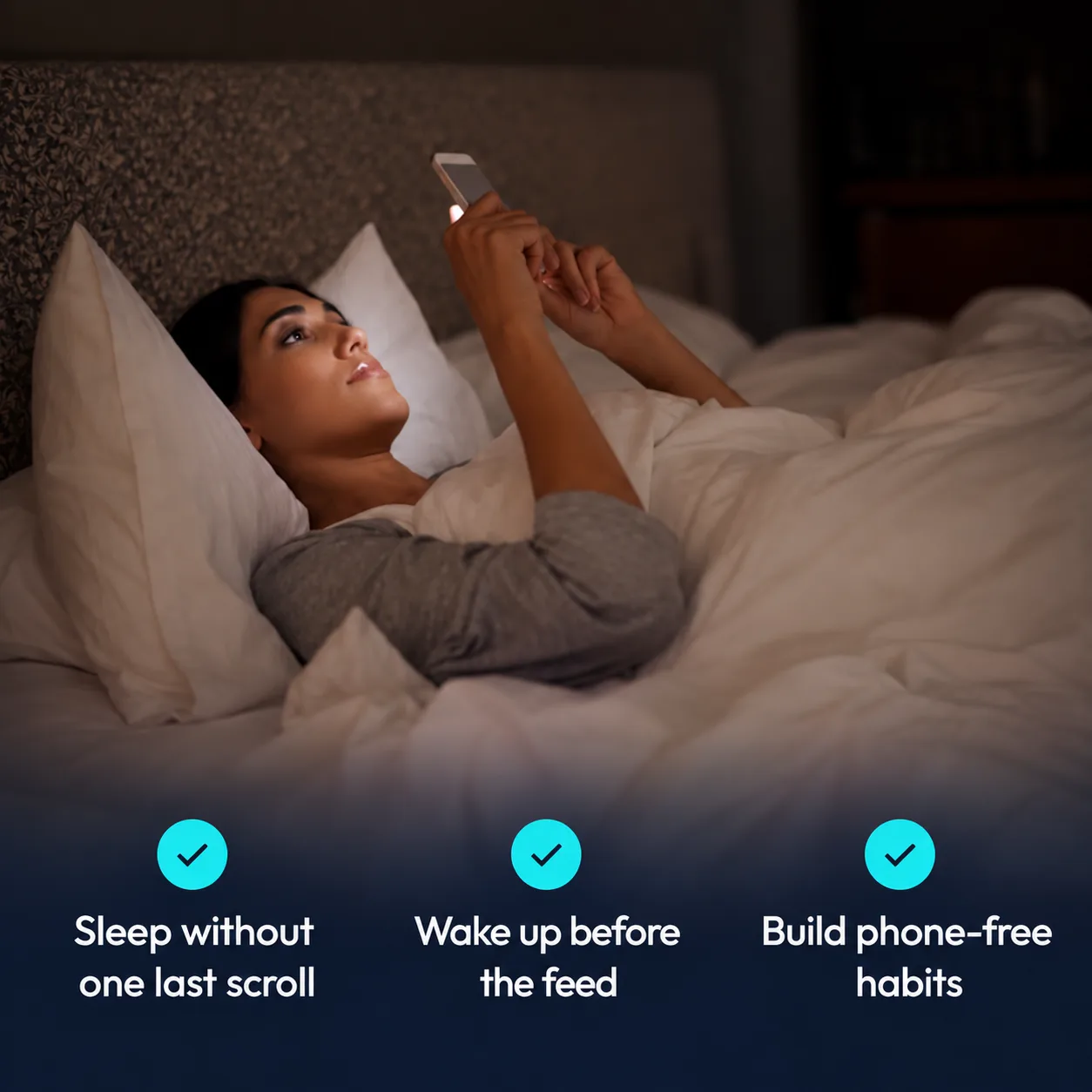
The scroll has no bedtime. Your child does. Screens away about an hour before lights out, and phones charging somewhere other than the bedroom, gives the evening room to wind down and keeps bedtime for sleep before the next school day.
AAP · Sleep guidance ↗Parent tip
Try tonight
Choose a place outside the bedroom where everyone’s phone spends the night.
02
Homework deserves their full attention.
A message. A video. Another buzz. Two hundred notifications in a day isn’t unusual, and each one lands mid-sentence. When the phone keeps asking for attention, settling into a book or a tricky homework problem gets harder. Less buzzing leaves more headspace.
Common Sense Media · Constant Companion, 2023 ↗Parent tip
Start small
Protect one homework session from social feeds and nonessential notifications.
03
Give the comparison a little less airtime.
Group chats and feeds can be fun, and sometimes exhausting. Teens on screens four hours a day or more report anxiety symptoms at roughly twice the rate of those below that mark. That’s a pattern, not proof one causes the other. But a little distance from comparison can leave more room for belonging, noticing how your child feels, and talking things through.
CDC / NCHS · Data Brief 513, 2024 ↗Parent tip
Open the conversation
Ask: “Which apps leave you feeling good? Which ones leave you feeling worse?”
04
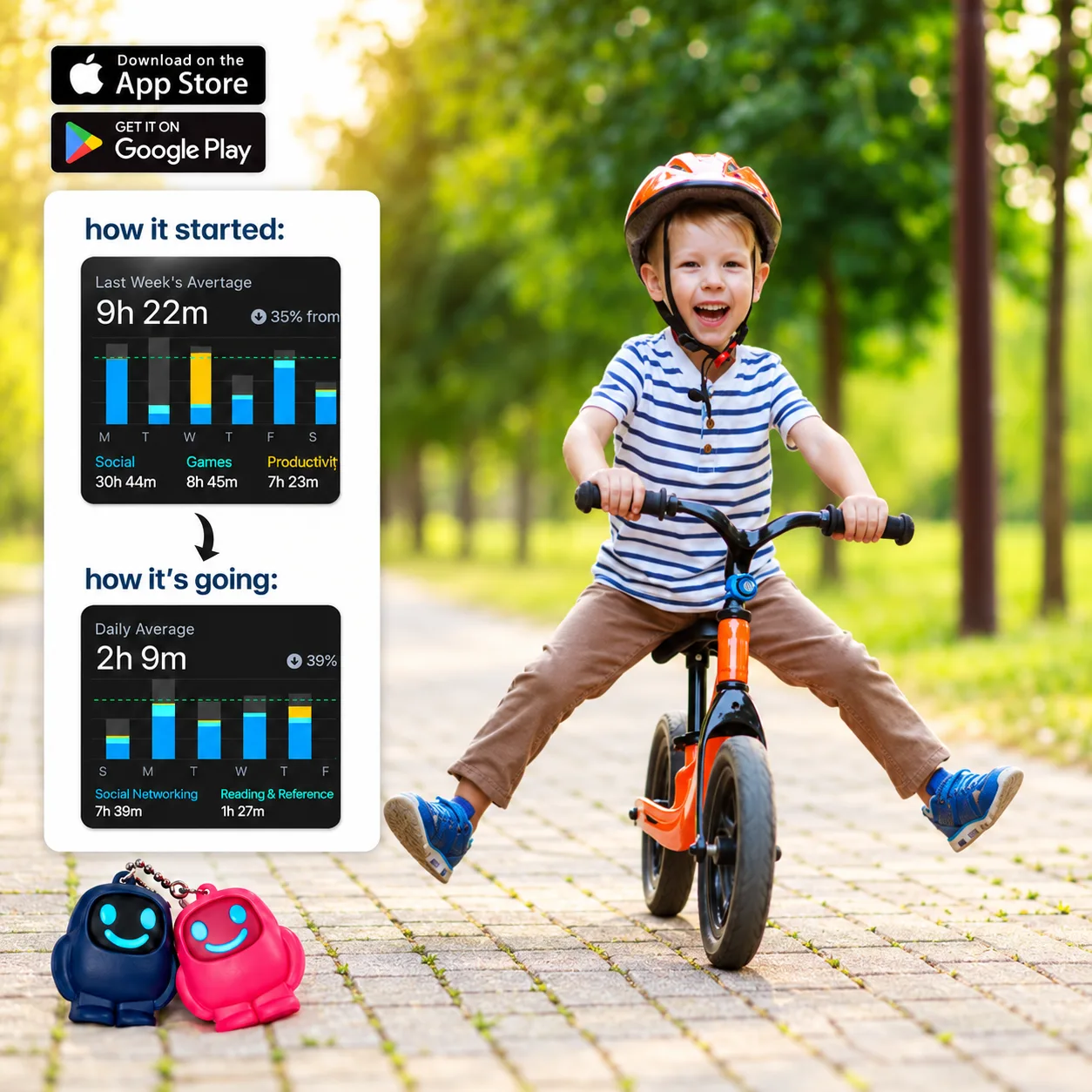
More bike rides. Less “just a minute.”
The ball by the door. The bike in the garage. The friend who lives around the corner. It’s worth asking what the scrolling is quietly replacing: a little less of it leaves more room to say yes, and for the way home that takes a little longer.
AAP · The 5 C’s of media guidance ↗Parent tip
Make it easy
Agree on a short walk, a game, or a trip to the park before opening the feed.
05
Let them find out what they love doing.
A page. A sketch. A first attempt. Drawing something terrible, then trying again. Learning three chords. Building a world out of cardboard. Those small beginnings need a little unclaimed time. Making things on a screen counts too. It’s the passive scrolling that quietly crowds the rest out.
Inspired by AAP · Content and crowding out ↗Parent tip
Leave an opening
Put a book, sketchpad, or favourite game within reach, and let them choose.
06
You deserve more than half a conversation.
The funny story from school. The question that comes out of nowhere. The conversation after dinner that nobody planned. Pick the bit of family time you most want back, and keep talking about phones rather than ruling on them. A phone-free dinner can start with one question and your full attention.
AAP · The 5 C’s of media guidance ↗Parent tip
Make it a family habit
Start with one phone-free meal. Parents included.

How does Scrolly work?
Three steps between you and a distraction-free life.

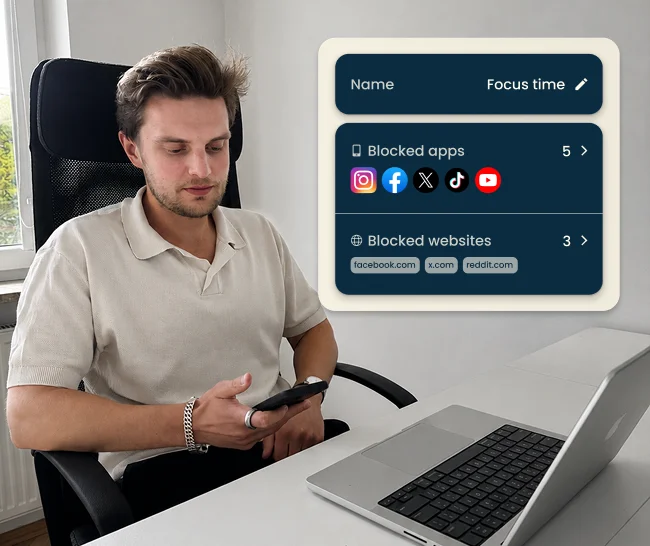
1. Select apps to block
Open the Scrolly app and select the applications that steal your time.
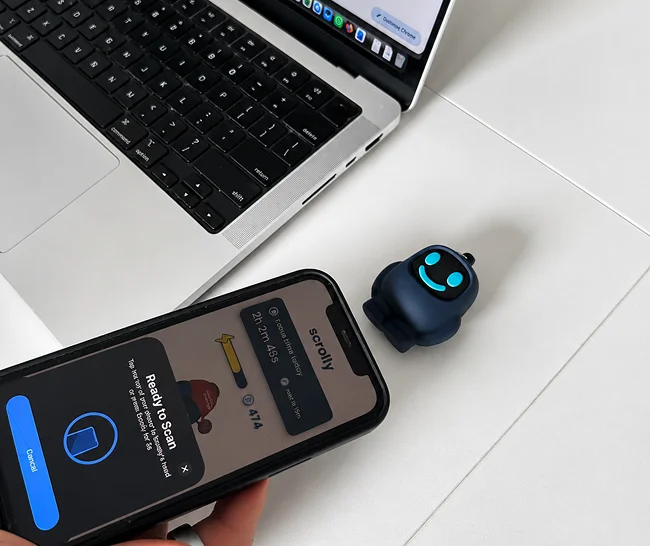
2. Tap to block distractions
Physically tap your Scrolly to your phone to enter Focus Mode - all distracting apps will be blocked.
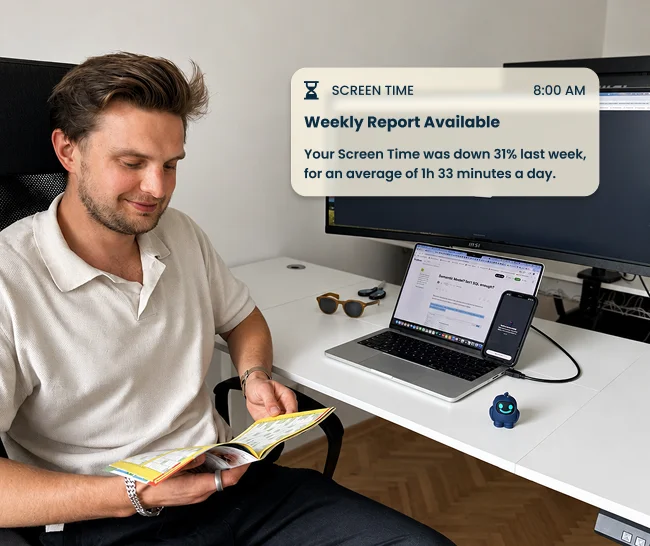
3. Enjoy the focus time
Put your Scrolly out of reach and enjoy being present and focused.


 15 000+ satisfied users
Scrolly — the device that blocks addictive apps
+ Free lifetime app access
1. Choose color
2. Choose Bundle
 One for work and one for home


The questions every parent asks first.
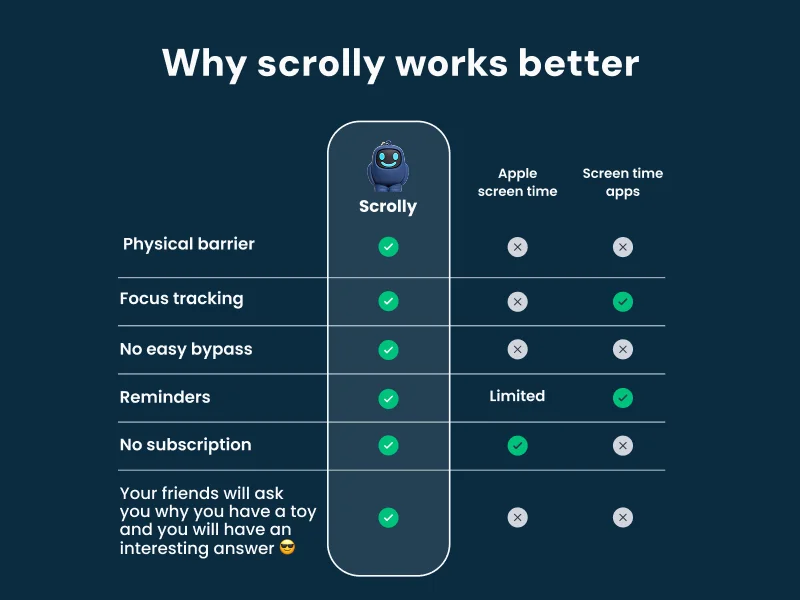
Not the way they get around Screen Time. There’s no “ignore” button: unblocking needs Scrolly in hand. Five emergency unlocks exist as a backstop, and you’ll see them used.
Scrolly blocks the apps you choose, not the phone. Calls, messages and maps keep working.
No. Scrolly is a one-time purchase, with no monthly fee attached to it.
 15 000+ satisfied users
What others say about Scrolly
Join thousands of users who are focusing better, scrolling less, and building consistent habits with Scrolly.
"I feel like my brain is so clear now"
Derek
"I actually get my work done."
Kacey
"Instead of automatically scrolling you have a decision to make."
Laurissa
"I've been able to do twice as much thanks to this little guy."
Lauren
"I found out that I could not put my phone down"
Ashley
"I found Scrolly for my kids and we… are obsessed."
Morgan
"This helped me become more social"
Gavin
"I feel like my brain is so clear now"
Derek
"I actually get my work done."
Kacey
"Instead of automatically scrolling you have a decision to make."
Laurissa
"I've been able to do twice as much thanks to this little guy."
Lauren
"I found out that I could not put my phone down"
Ashley
"I found Scrolly for my kids and we… are obsessed."
Morgan
"This helped me become more social"
Gavin
"I feel like my brain is so clear now"
Derek
"I actually get my work done."
Kacey
"Instead of automatically scrolling you have a decision to make."
Laurissa
"I've been able to do twice as much thanks to this little guy."
Lauren
"I found out that I could not put my phone down"
Ashley
"I found Scrolly for my kids and we… are obsessed."
Morgan
"This helped me become more social"
Gavin
The next “five minutes” could be something better.
A chapter. A kickabout. A conversation. Start with one small boundary, together.
 Secure payment90-day returns