


 15 000+ satisfied users
Scrolly — the device that blocks addictive apps
+ Free lifetime app access
1. Choose color
2. Choose Bundle
 One for work and one for home


How does Scrolly work?
Three steps between you and a distraction-free life.

Open the Scrolly app and select the applications that steal your time.
You can create multiple custom modes for different moments of your day, such as Work, Gym, or Focus Time. Each mode has its own set of blocked apps.
Physically tap your Scrolly to your phone to enter Focus Mode - all distracting apps will be blocked.
Put your Scrolly out of reach and enjoy being present and focused.
Until you tap your Scrolly again, there's no way to access your distracting apps.
And start being focused from day one!
Designed to change habits.
Scrolly pairs a simple mechanism with a delightful, gamified experience - so staying on track actually feels good.
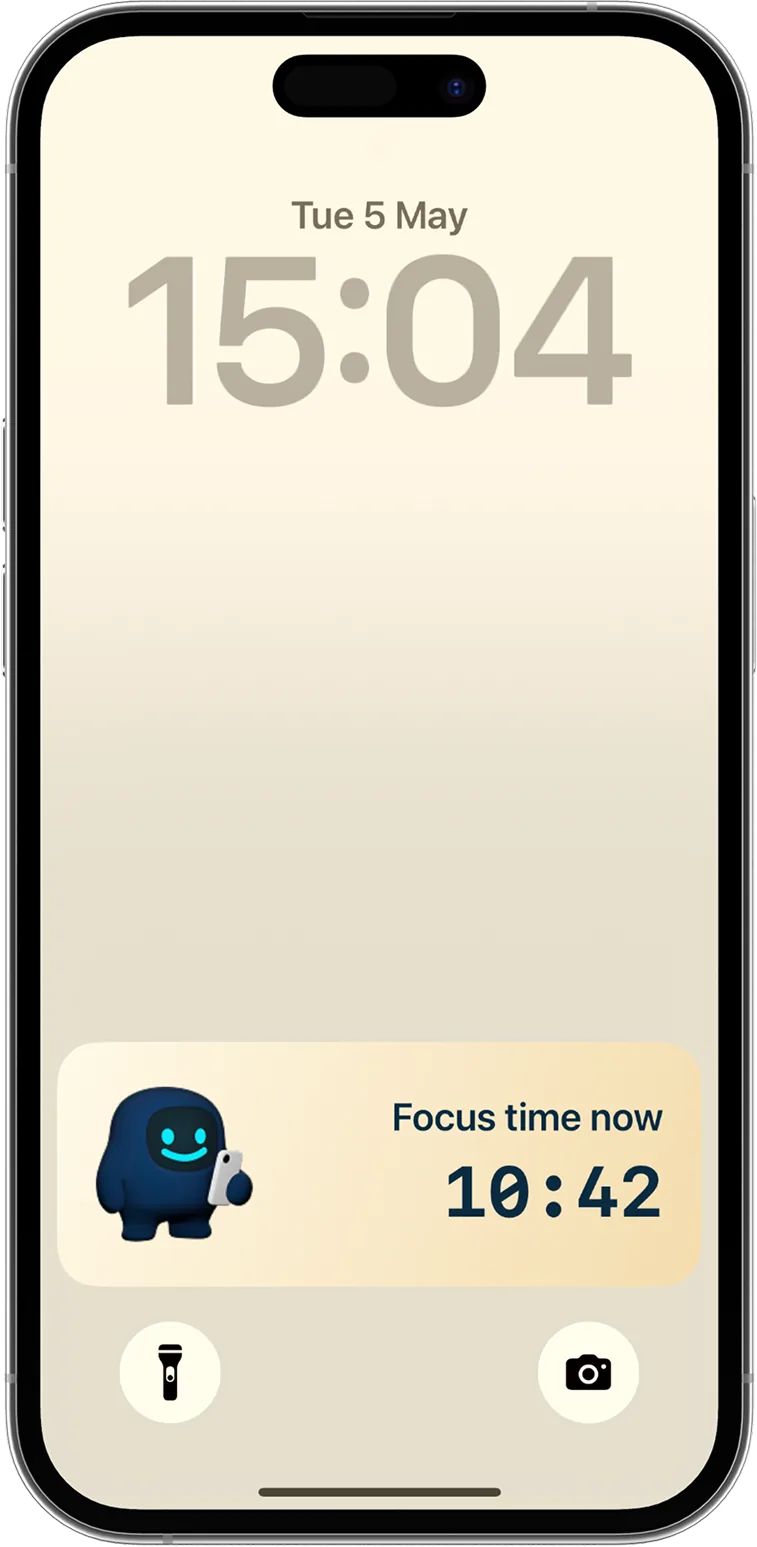
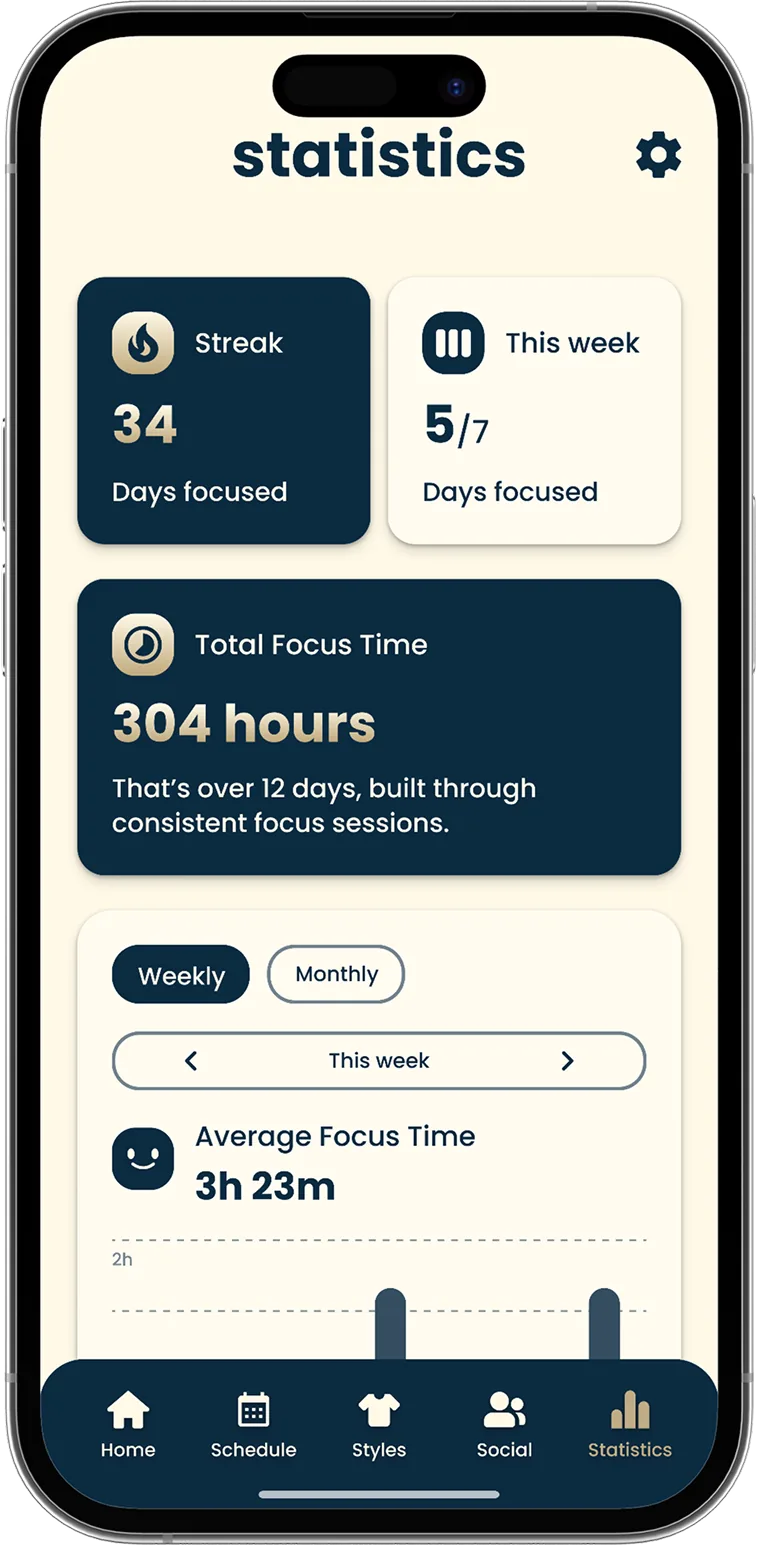
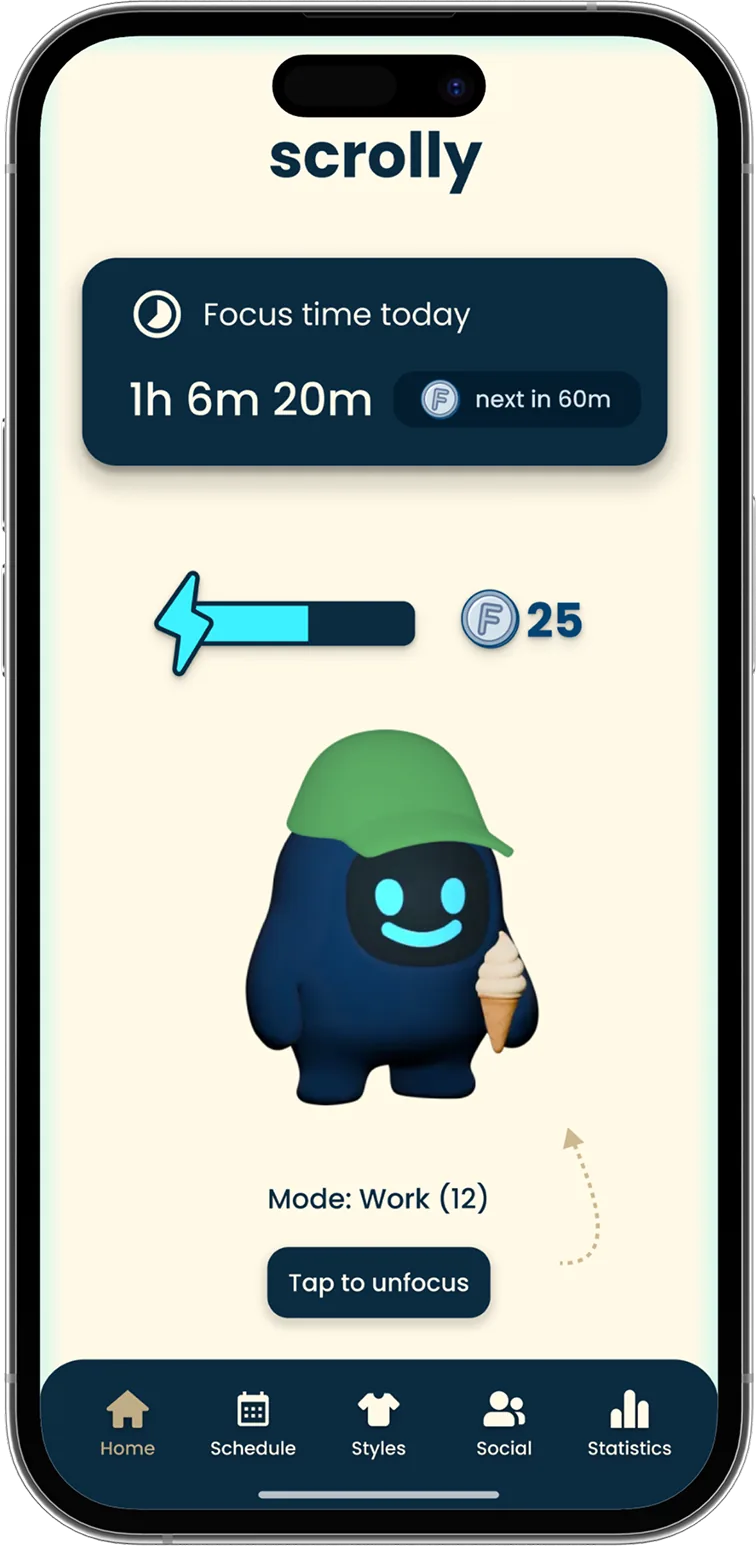
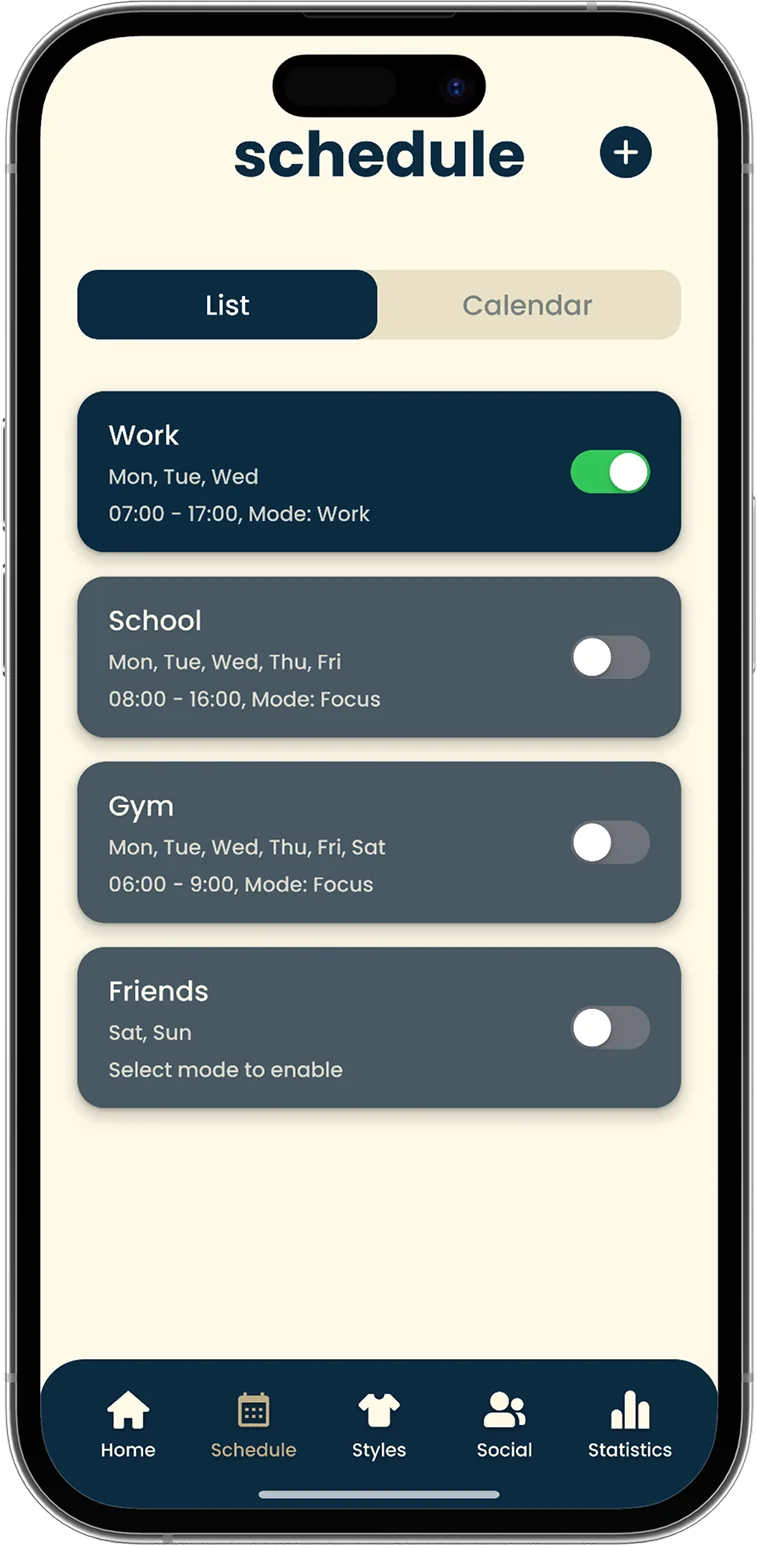
Block distracting apps and websites by scanning your Scrolly device with your phone or holding the on-screen animation for 2 seconds. You don't need the Scrolly device to start blocking, but you'll always need it to unblock your apps.
Choose which apps and websites you want to block with Scrolly, and which ones should always stay available - like Google Maps or Uber. On Android, you can't block specific websites yet, but you can block the entire browser.
Block the option to delete the Scrolly app, so there's no easy workaround during Focus Mode.
Track focus time, screen time, and app usage in one simple dashboard. See where you lose the most time and build better habits.
Create custom schedules for work, study, sleep, or family time and let Scrolly block distractions automatically at specific times.
Get reminders to put down your phone in the moments when you most need it - e.g. after hours of scrolling.
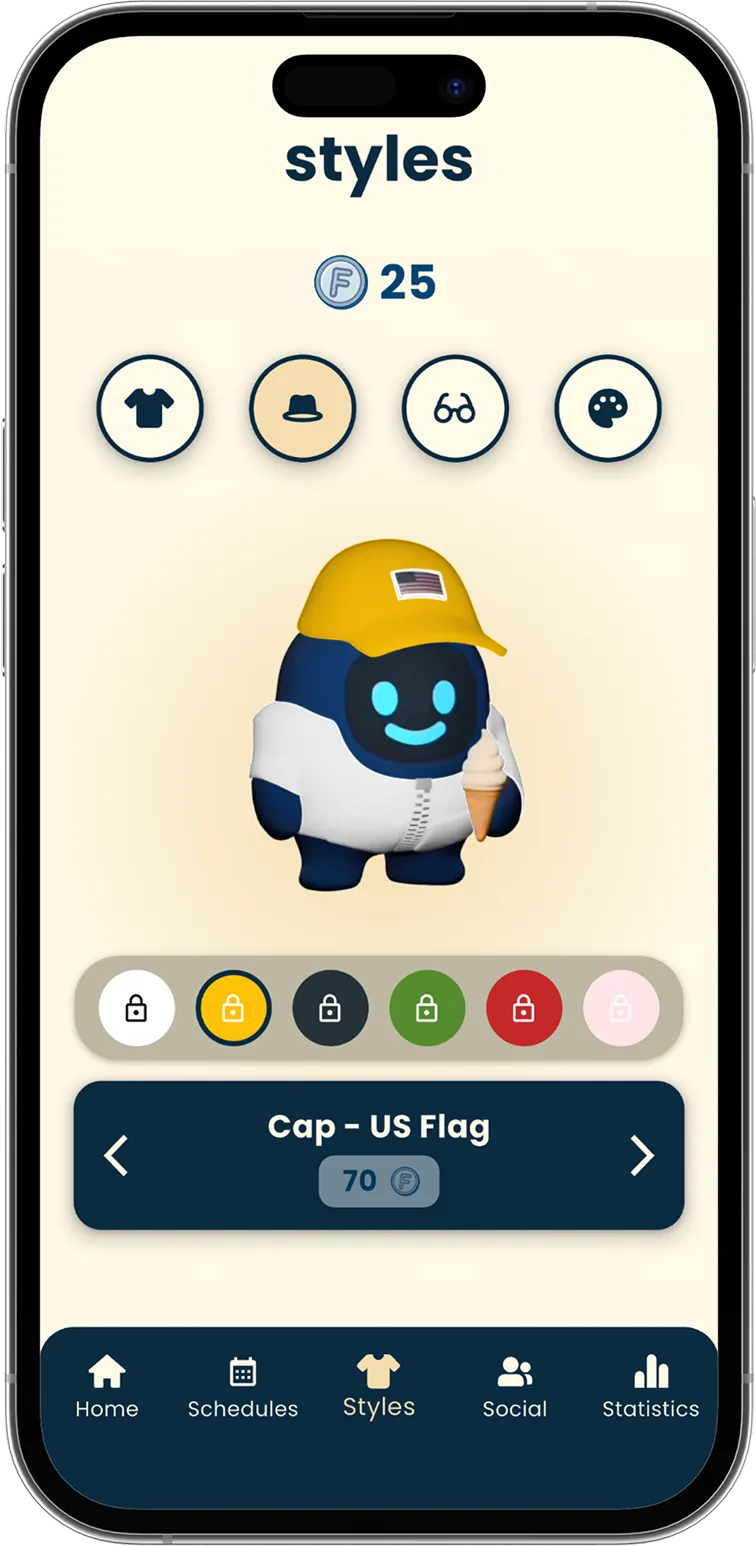
Earn rewards for the time you spend in Focus Mode. Use them to customize your Scrolly buddy and unlock mystery gifts.
 15 000+ satisfied users
What others say about Scrolly
Join thousands of users who are focusing better, scrolling less, and building consistent habits with Scrolly.
"I feel like my brain is so clear now"
Derek

"I actually get my work done."
Kacey
"Instead of automatically scrolling you have a decision to make."
Laurissa
"I've been able to do twice as much thanks to this little guy."
Lauren
"I found out that I could not put my phone down"
Ashley
"I found Scrolly for my kids and we… are obsessed."
Morgan
"This helped me become more social"
Gavin
"I feel like my brain is so clear now"
Derek
"I actually get my work done."
Kacey
"Instead of automatically scrolling you have a decision to make."
Laurissa
"I've been able to do twice as much thanks to this little guy."
Lauren
"I found out that I could not put my phone down"
Ashley
"I found Scrolly for my kids and we… are obsessed."
Morgan
"This helped me become more social"
Gavin
"I feel like my brain is so clear now"
Derek
"I actually get my work done."
Kacey
"Instead of automatically scrolling you have a decision to make."
Laurissa
"I've been able to do twice as much thanks to this little guy."
Lauren
"I found out that I could not put my phone down"
Ashley
"I found Scrolly for my kids and we… are obsessed."
Morgan
"This helped me become more social"
Gavin
Why Scrolly works better.
No loopholes. No subscriptions. No excuses. See how Scrolly stacks up against the alternatives.


Answers you're looking for.
Everything you need to get started with Scrolly - from setup and compatibility to how it fits into your daily routine.
Scrolly works with both iPhone and Android devices.
Yes! The app is free to use when paired with your Scrolly tag.
Physical tools create real distance from distractions. Unlike apps with 'skip' buttons, Scrolly adds a small barrier that makes a big difference. If it's not nearby, your distractions stay out of reach.
Yes! You can use the same Scrolly with multiple phones - just make sure the Scrolly app is installed on each device.
No worries - you'll have 5 emergency unblocks available within the app.
Yes, you can set up different tags for different places - like one for home, one for work, or even your car.
Yes. Stop the constant battles over phone use. With Scrolly's Child Mode, parents stay in control. A simple tap on Scrolly blocks or unblocks distracting apps - no more arguments, no workarounds.
Only parents can change the settings, but kids still enjoy the playful animations. Leave the Scrolly at home and enjoy quality phone-free time for the whole family!
Orders usually ship within 24 hours.
Shipping times depend on your location. Most orders arrive within 3-5 business days in Europe and 2-5 days in the USA and Canada.
No - there is no tariff risk for US customers. All US orders are shipped from our local US warehouse, so your Scrolly is delivered domestically and usually arrives within 2-4 business days.
Yes. You tap Scrolly against your phone, so the phone needs NFC - the same chip that powers contactless payments. Most modern iPhones and Android phones have it, but a number of budget Android models still ship without it.
Please check before you order. If you are unsure about your model, email us at support@scrollyapp.io and we will confirm it for you.
Ready to stop scrolling?
Not sure yet? Try it for 90 days - if it doesn't stick, you get a full refund.