
The physical app blocker for your phone
Most app blockers are apps. They run on the phone you are trying to put down.
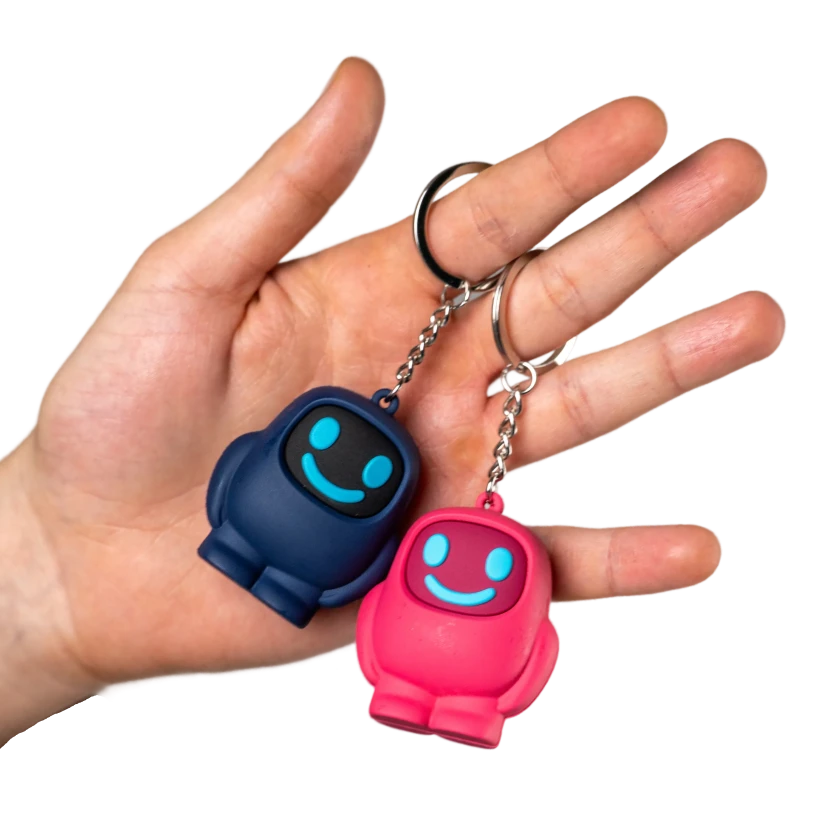
An app blocker that lives on your phone competes with your phone, and it competes on your phone's terms. A physical app blocker moves the switch off the screen and into the room: a small object you tap your phone against to start a focus session, and tap again to end it. Nothing about it is unbreakable. It just costs more than a tap.
The point was never to build a block nobody can beat. It is that beating it costs you a walk across the flat instead of a thumb movement, and for most people, most of the time, that is the difference.
Why app blocker apps stop working
Software blockers fail in the same three ways, and none of them is about willpower.
The bypass ships with the product
Screen Time, and every serious app in the category, includes an ignore-limit or extend-by-15-minutes button. It has to — a tool with no escape hatch gets uninstalled in week one. But once you have taken that hatch twice, the limit has quietly become a suggestion.
You installed it, so you can delete it
Uninstalling takes about four seconds, and the moment you most want to do it is exactly the moment the blocker was built for. The block and the craving have the same administrator.
There is no gap to think in
Reaching for the app and hitting the block happen half a second apart, on the same glass, with the same thumb. Nothing in that half-second gives you a chance to notice what you are doing.
Which is the actual finding behind most habit research: behaviour rarely changes because of more discipline. It changes because of a change in the environment that puts a physical step between the impulse and the reward.
How does Scrolly work?
Three steps between you and a distraction-free life.

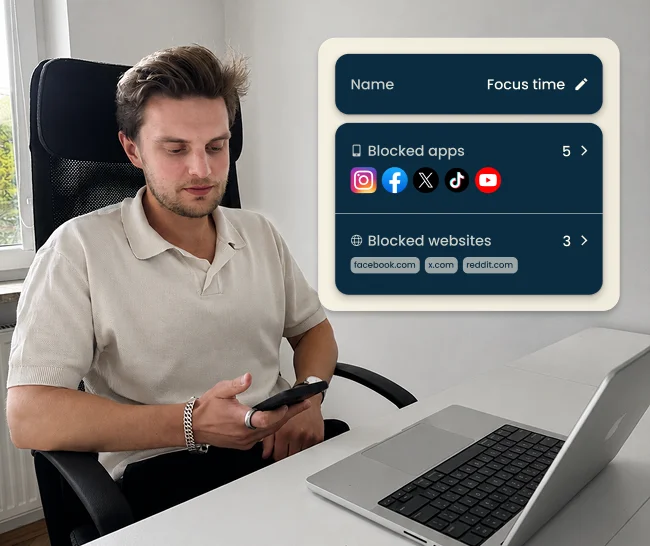
1. Select apps to block
Open the Scrolly app and select the applications that steal your time.
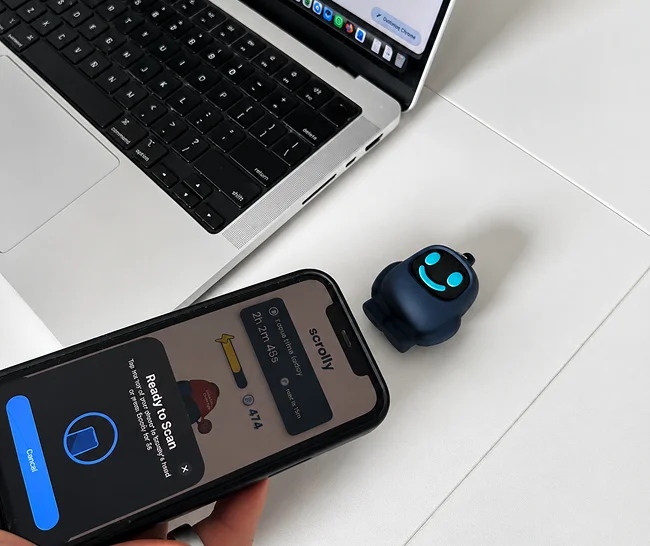
2. Tap to block distractions
Physically tap your Scrolly to your phone to enter Focus Mode - all distracting apps will be blocked.
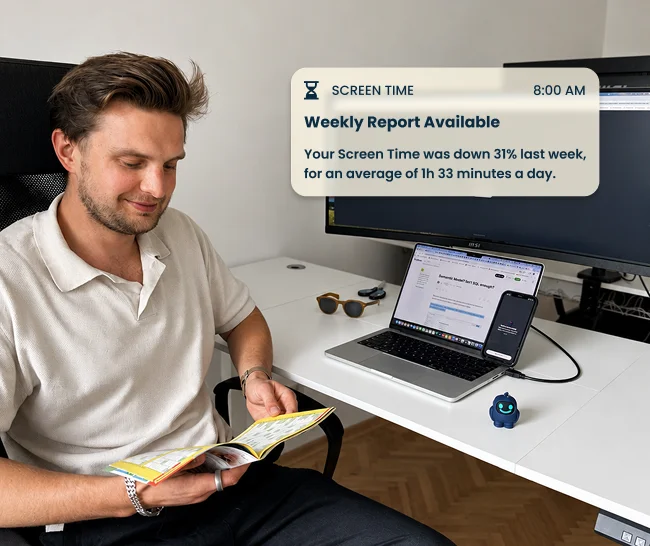
3. Enjoy the focus time
Put your Scrolly out of reach and enjoy being present and focused.
Why Scrolly works better.
No loopholes. No subscriptions. No excuses. See how Scrolly stacks up against the alternatives.

Who this is for
- People whose focus app has been ignored so many times it stopped meaning anything.
- People with ADHD, for whom the half-second between impulse and app is not a decision point at all.
- Parents who want a rule backed by an object on the shelf, rather than a settings screen a teenager will get around by Thursday.
- Households that want phones down at dinner without anyone having to police it.
When you do not need one
If the screen time limit you set six months ago is still holding, you do not need hardware, and nobody should sell you any. A physical app blocker earns its place after software has already failed — when you have set the limit, ignored it, set it again, and know exactly how that goes.
Compare the alternatives
We have written up the other devices in this category, honestly, including where they beat us.
Ready to stop scrolling?
Not sure yet? Try it for 30 days - if it doesn't stick, you get a full refund.
Shop Now