
Dominik
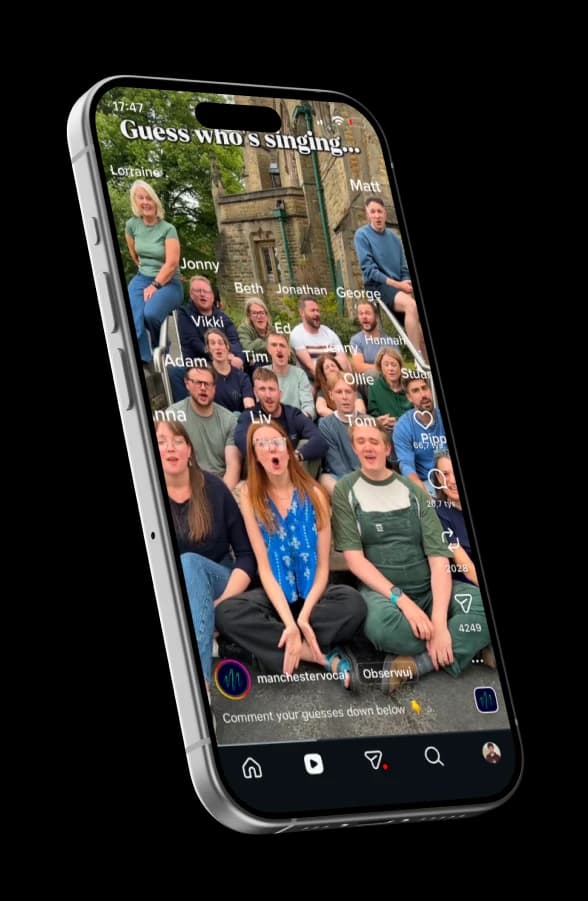
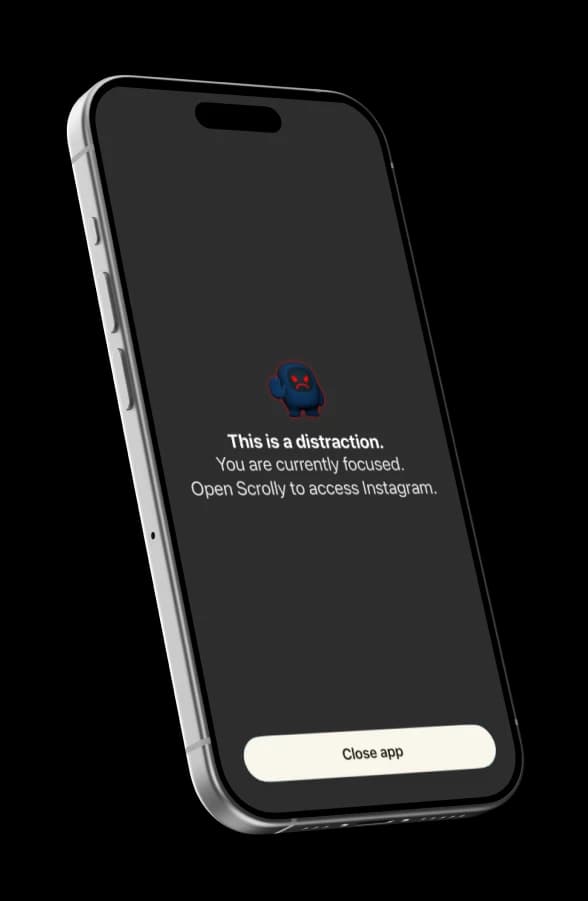
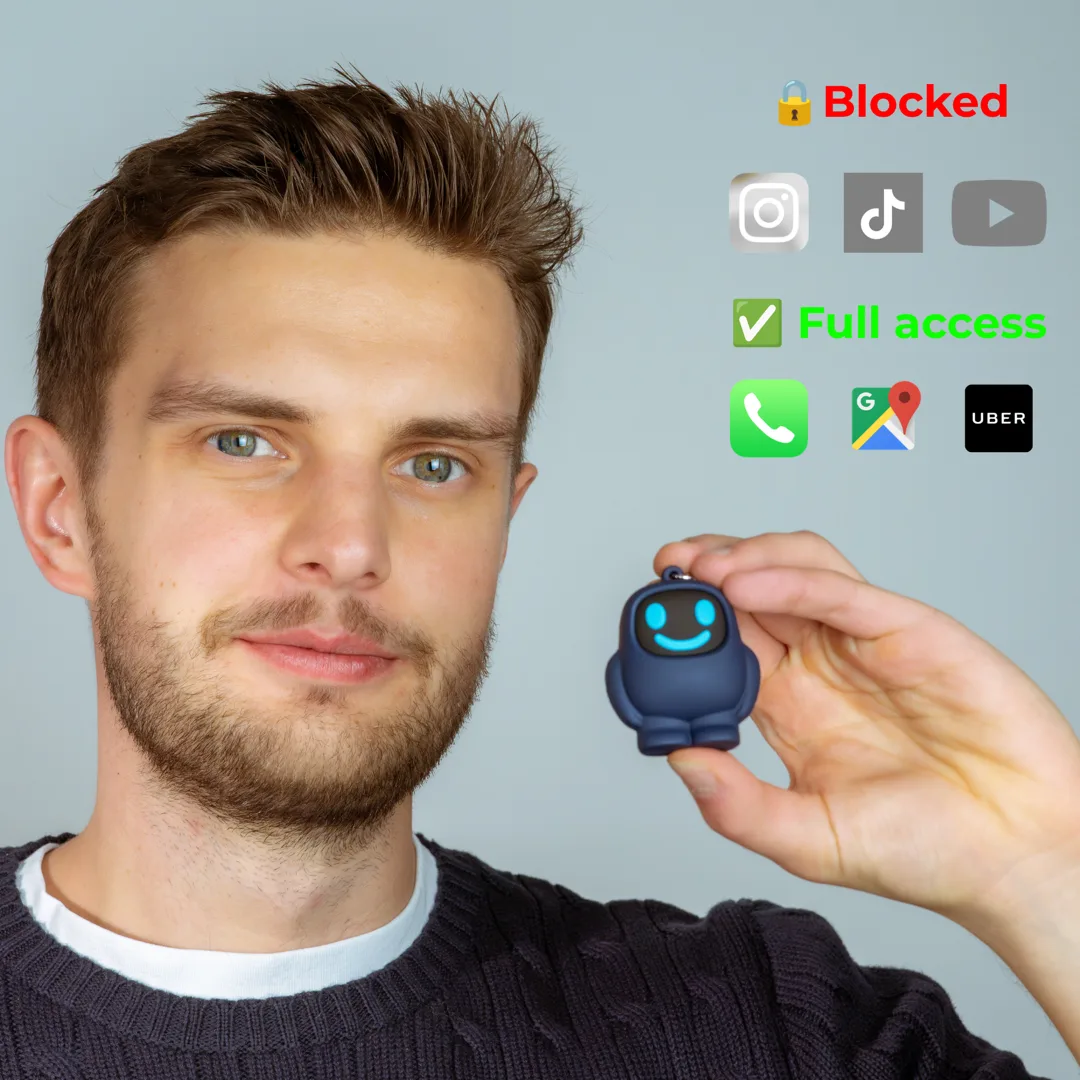
“When going out with friends”
- 1Block distracting apps
- 2Leave Scrolly at home
- 3When I am with friends I still have access to useful apps such as Uber or Google Maps, but I do not get distracted by notifications, IG or TikTok
Your cart is empty
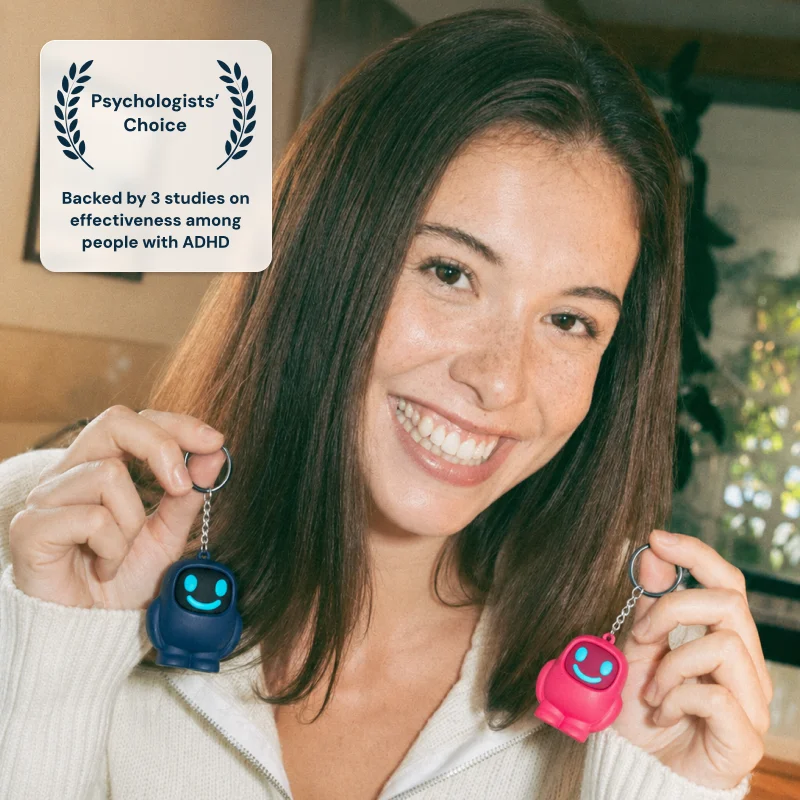

4.6 stars|800+ reviews|15k+ members
ADHD + Reels or TikTok = 5-10 hours lost every day
It is not your fault. These apps were created to manipulate our dopamine levels so we stay glued to the screen and they make $$ from ads.
 Try It Risk-Free For 90 Days
01
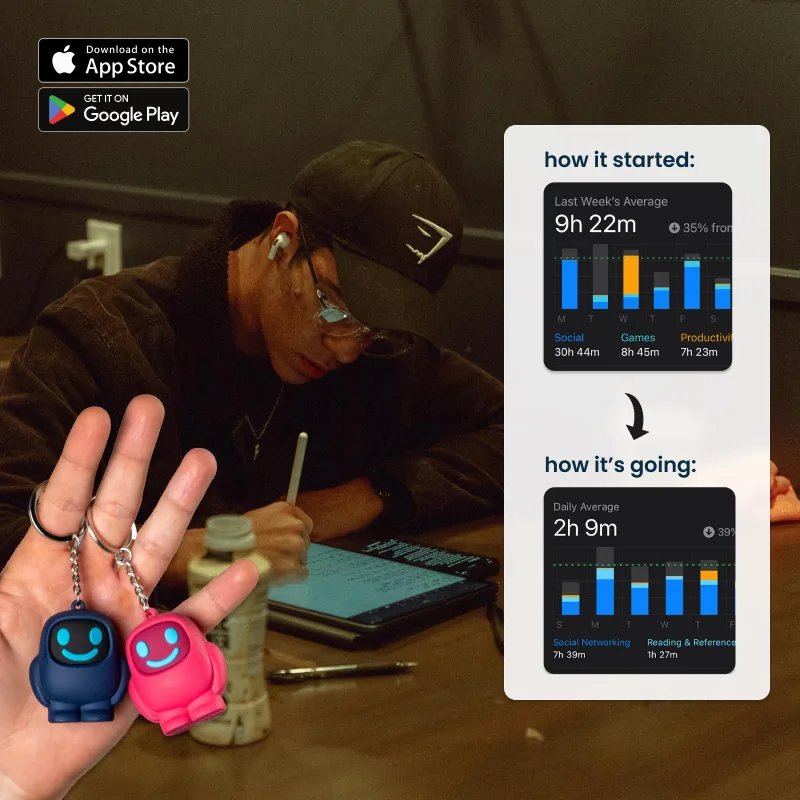
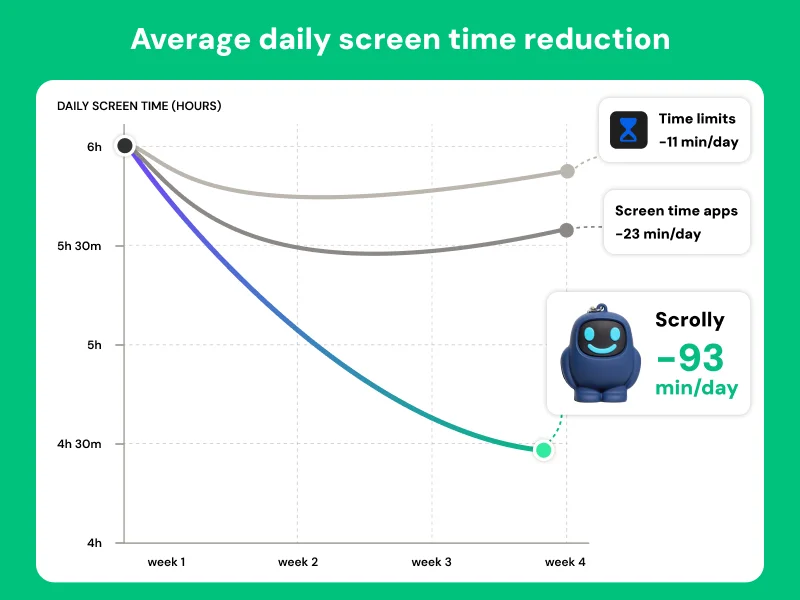
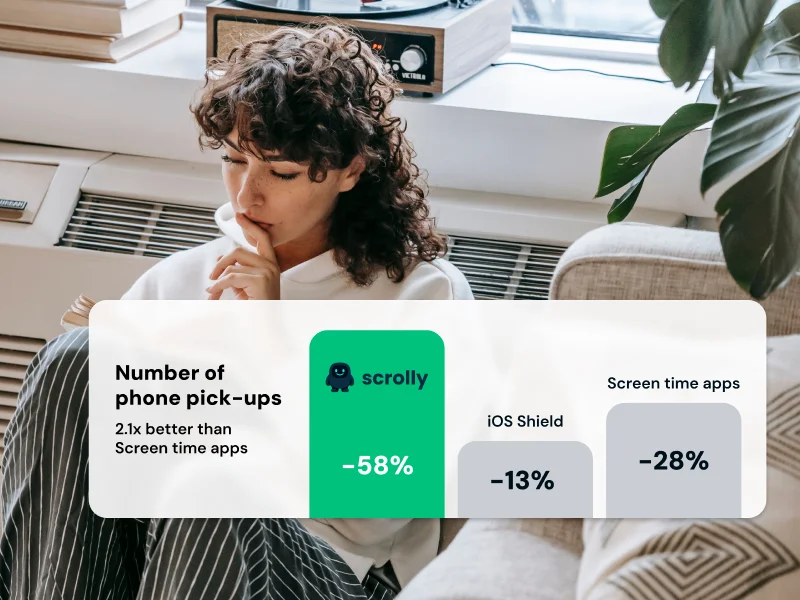
We studied ADHD volunteers and analyzed data voluntarily shared by Scrolly users. On average, they saved 93 minutes of screen time per day vs. traditional screen-time apps and built-in iOS/Android blockers. They also cut their phone pick-ups during the day by over 58%!
We won’t promise you magic. We give you real numbers. 93 minutes a day = 566 hours a year = over 4 years saved over a lifetime. And remember: time is only one part of it. Peace of mind and the productivity boost can be even bigger.
02
Start working → check one notification → open Instagram → end up procrastinating for 30 minutes.
For an ADHD brain, getting back into a task can be harder than starting it. Scrolly puts a physical barrier of 20 to 200 meters between you and the distraction. And if you are as lazy as I am, it will cut your screen time by 50%+.
03
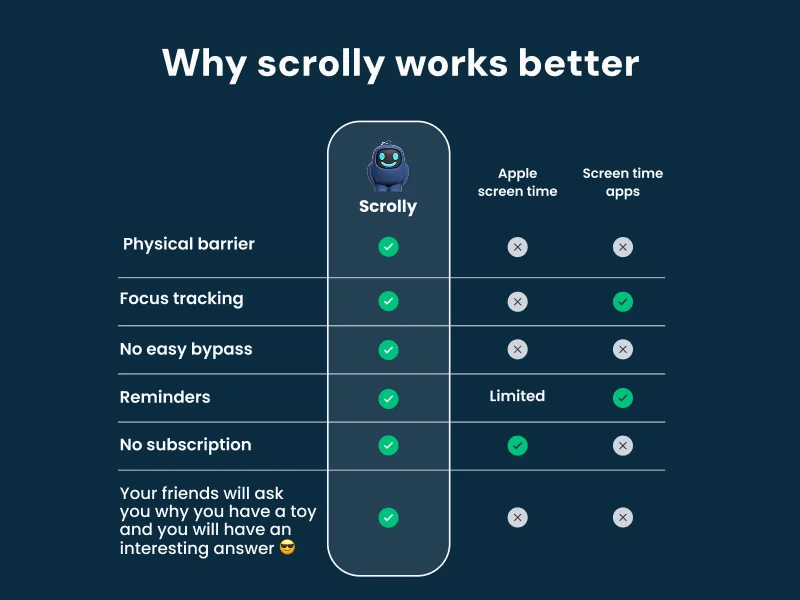
You’ve probably tried them all. Screen-time limits that are easy to ignore. ‘Focus’ apps with a skip button. Deleting the apps is nice until you realize that you need Instagram for work or to talk to friends. Even other physical blockers, too basic to survive a week.
That’s not your fault: these apps are built to be addictive, so you need something equally strong. To unblock one, you have to physically tap your Scrolly again. That friction is 10x more habit-forming than any app, and with the gamification we added, 81% of owners use it at least 3 times a week.
04
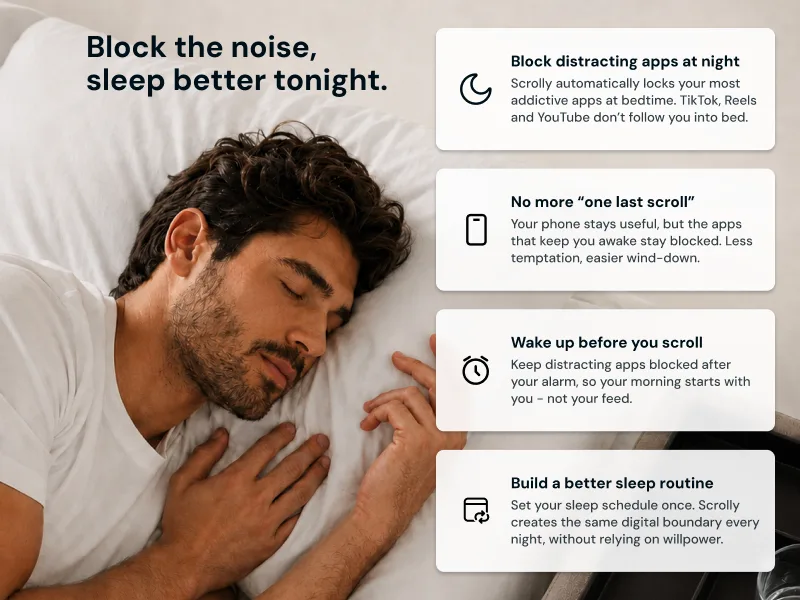
Revenge bedtime scrolling is an ADHD classic: you finally get into bed, open TikTok for a few minutes, and suddenly it’s 1:30am. You know tomorrow will be worse, but stopping still feels harder than continuing.
With Scrolly, you can schedule distracting apps to lock at night. Leave Scrolly outside the bedroom and there’s no ‘just five more minutes’.
05
You put your phone down after forty minutes and barely remember what you watched. Your dopamine is through the roof. You don’t feel rested. You just feel annoyed that you did it again.
Scrolly helps stop that loop before it starts. If the app stays blocked, there’s no endless scroll to pull yourself out of later. If you scroll for longer than 15 minutes, we send you a reminder, and we block the app automatically after 30 minutes.

06
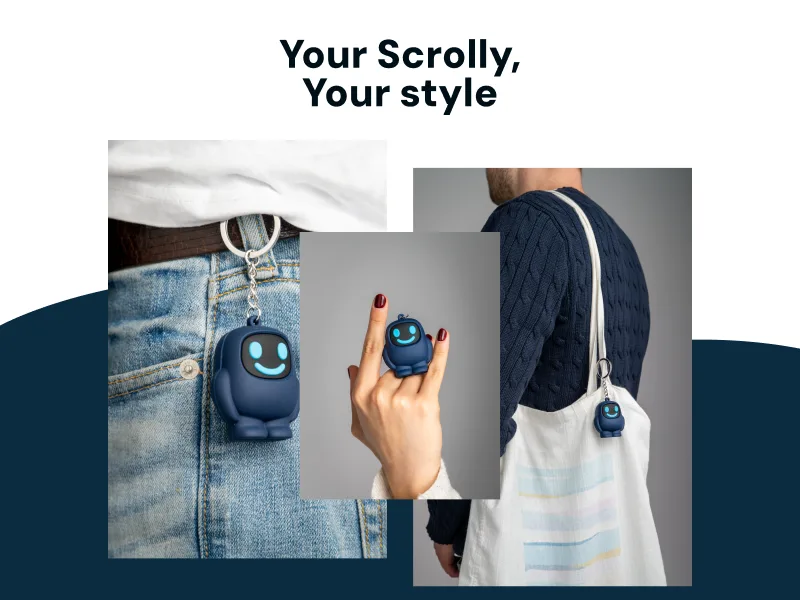
Portable. Easy to use. Habit-forming.
Your friends will ask what that funny device is, and you will have an interesting answer.
07
The hardest part of most productivity tools is sticking with them.
At Scrolly, we worked closely with psychologists and invested heavily in making both the device and the app as habit-forming as possible. 81% of Scrolly owners use it more than 3 times a week (2x more than comparable solutions and 10x more than any app).
Try it for 90 days. If it doesn’t meaningfully reduce your screen time, send it back for a full refund.


93min
screen time reduced daily
58%
reduction in daily phone pickups
81%
use Scrolly more than 3 times a week
100+
years collectively saved by Scrolly users
*Independent study based on voluntarily shared screen-time data from 2,208 users, and an A/B test conducted by a psychologist on a sample of 60 ADHD patients.
Three steps between you and a distraction-free life.
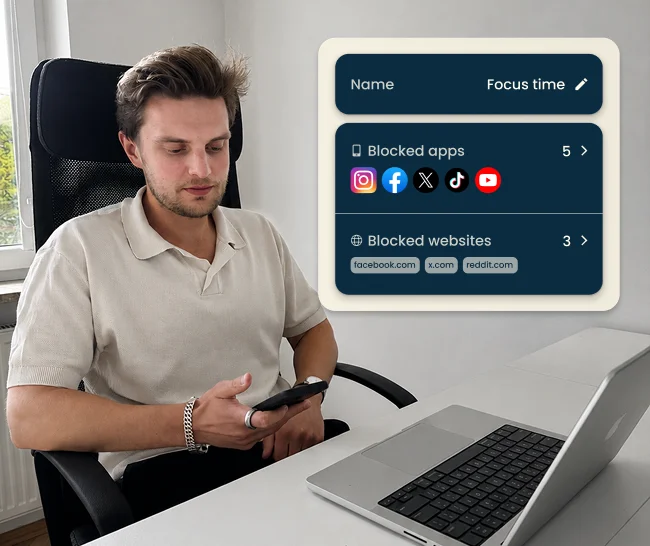
1. Select apps to block
Open the Scrolly app and select the applications that steal your time.
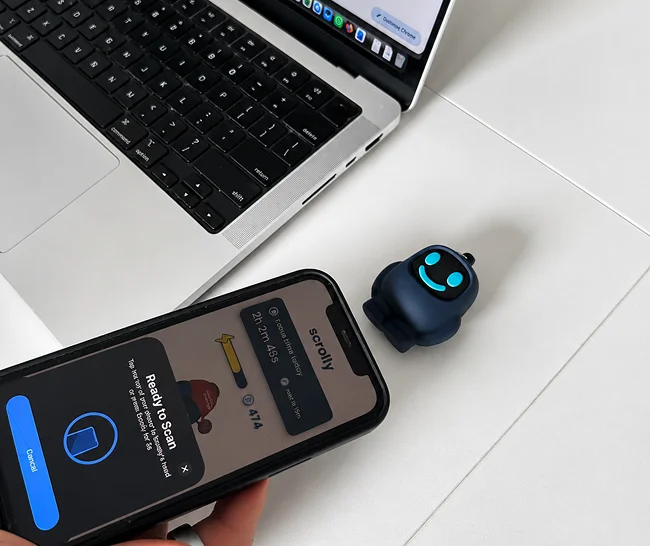
2. Tap to block distractions
Physically tap your Scrolly to your phone to enter Focus Mode - all distracting apps will be blocked.
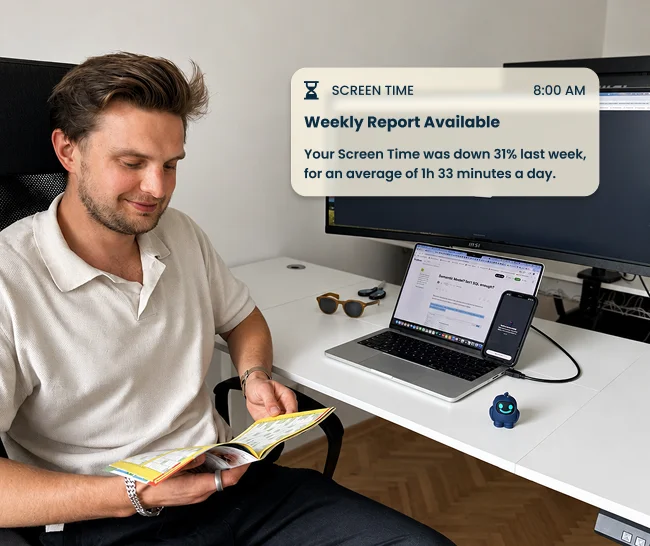
3. Enjoy the focus time
Put your Scrolly out of reach and enjoy being present and focused.
Two owners, two habits. Here is what an ordinary day with Scrolly looks like for each of them.
“When going out with friends”
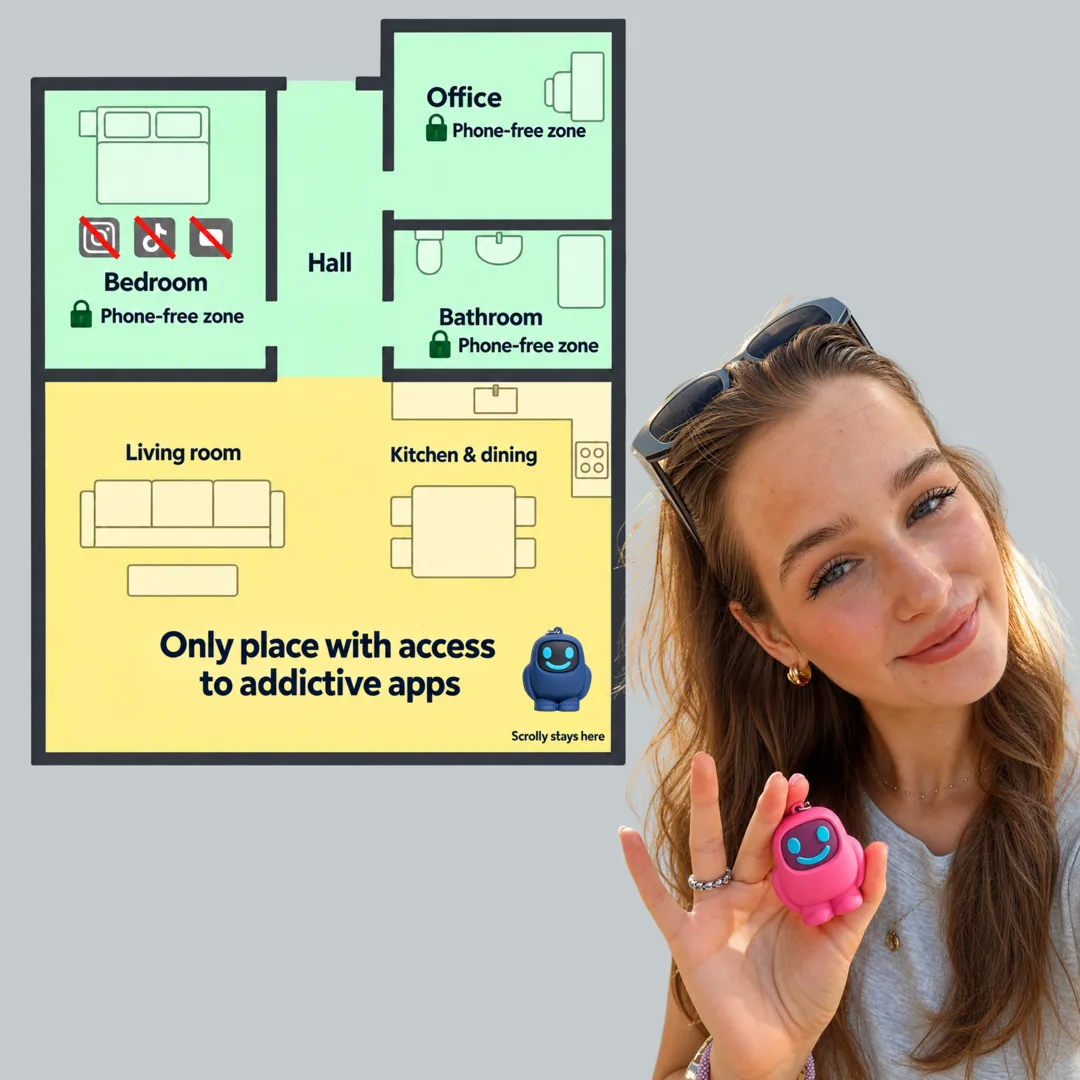
“To improve sleep and productivity”


 15 000+ satisfied users
+ Free lifetime app access
1. Choose color
2. Choose Bundle
 One for work and one for home


 15 000+ satisfied users
Join thousands of users who are focusing better, scrolling less, and building consistent habits with Scrolly.
"I feel like my brain is so clear now"
Derek
"I actually get my work done."
Kacey
"Instead of automatically scrolling you have a decision to make."
Laurissa
"I've been able to do twice as much thanks to this little guy."
Lauren
"I found out that I could not put my phone down"
Ashley
"I found Scrolly for my kids and we… are obsessed."
Morgan
"This helped me become more social"
Gavin
"I feel like my brain is so clear now"
Derek
"I actually get my work done."
Kacey
"Instead of automatically scrolling you have a decision to make."
Laurissa
"I've been able to do twice as much thanks to this little guy."
Lauren
"I found out that I could not put my phone down"
Ashley
"I found Scrolly for my kids and we… are obsessed."
Morgan
"This helped me become more social"
Gavin
"I feel like my brain is so clear now"
Derek
"I actually get my work done."
Kacey
"Instead of automatically scrolling you have a decision to make."
Laurissa
"I've been able to do twice as much thanks to this little guy."
Lauren
"I found out that I could not put my phone down"
Ashley
"I found Scrolly for my kids and we… are obsessed."
Morgan
"This helped me become more social"
Gavin